18 min read
How Much Does a Framer Website Cost in 2026?
A Framer website can cost anywhere from almost nothing to more than $20,000. The final price depends less on the platform itself and more on how you choose to build the website.
You can start from a blank canvas, customize a free or premium template, hire a freelancer, or commission a fully custom website from an agency. Each route comes with a different balance of cost, time, creative control, and responsibility.
For many individuals and small businesses, a well-chosen Framer template provides the most affordable path to a professional website. However, templates are not suitable for every project, and the cheapest option can become expensive if it requires extensive customization or functionality it was never designed to support.
This guide breaks down the real cost of building and running a Framer website in 2026, including templates, professional design services, hosting, domains, integrations, and the additional expenses that are easy to overlook.
Framer website costs at a glance
How much does a Framer website cost in 2026? A simple website can cost under $250 if you build it yourself using a template, while a professionally designed custom website can cost anywhere from $1,500 to more than $30,000.
Here are the typical upfront costs for each approach:
DIY from scratch: $0–$500. You design and build the entire website yourself. The main investment is your time, although you may also need to purchase fonts, images, components, or other assets.
Framer template: $0–$250. Free templates are available, while premium templates generally involve a one-time purchase. These figures assume that you handle the customization yourself.
Template with professional customization: $500–$3,000. A freelancer adapts an existing template to your brand, content, and requirements. More substantial structural changes can push the cost higher.
Custom website from a freelancer: $1,500–$10,000. The price depends on the number of pages, design complexity, CMS requirements, animations, integrations, and whether strategy or copywriting is included.
Custom website from an agency: $5,000–$30,000 or more. Agencies typically offer a broader service that may include research, brand strategy, copywriting, custom design, development, SEO, testing, and project management.
These are broad market estimates rather than fixed prices. A polished one-page website can cost more than a straightforward ten-page site if it requires original art direction, complex interactions, or custom functionality.
The initial build is also only part of the total cost. You should account for Framer’s site plan, domain renewal, third-party tools, ongoing updates, and any professional support required after launch.
The four ways to build a Framer website
The cost of a Framer website depends primarily on who does the work and how much of the design already exists. Most projects follow one of four approaches.
1. Build the website yourself from scratch
Starting with a blank Framer project has no upfront design cost, but it requires the greatest investment of time.
You will need to plan the website structure, create the visual design, build responsive layouts, prepare the content, configure the CMS, and test the finished site across different devices. Framer makes these tasks more accessible than traditional development, but it does not remove the need for design judgment or attention to detail.
This route works best for designers, experienced Framer users, and people who want to learn the platform without a fixed launch deadline. For a business owner starting without design experience, the time spent learning and correcting mistakes can quickly outweigh the money saved.
2. Use a free or premium Framer template
A template gives you a professionally designed starting point with layouts, components, styles, and responsive breakpoints already in place.
Free templates can be sufficient for personal projects, experiments, and simple websites. Premium templates generally offer more pages, stronger visual direction, better documentation, and more complete functionality, although price alone does not guarantee quality.
If you customize the template yourself, your initial cost may be limited to the template and the Framer site plan. This makes templates particularly attractive to startups, freelancers, and small businesses that need to launch quickly without commissioning an entirely custom website.
The important part is choosing a template that already matches your required structure. Changing colors, typography, images, and content is relatively straightforward. Rebuilding most of the layout or forcing the template to support a completely different purpose can remove much of the original time and cost advantage.
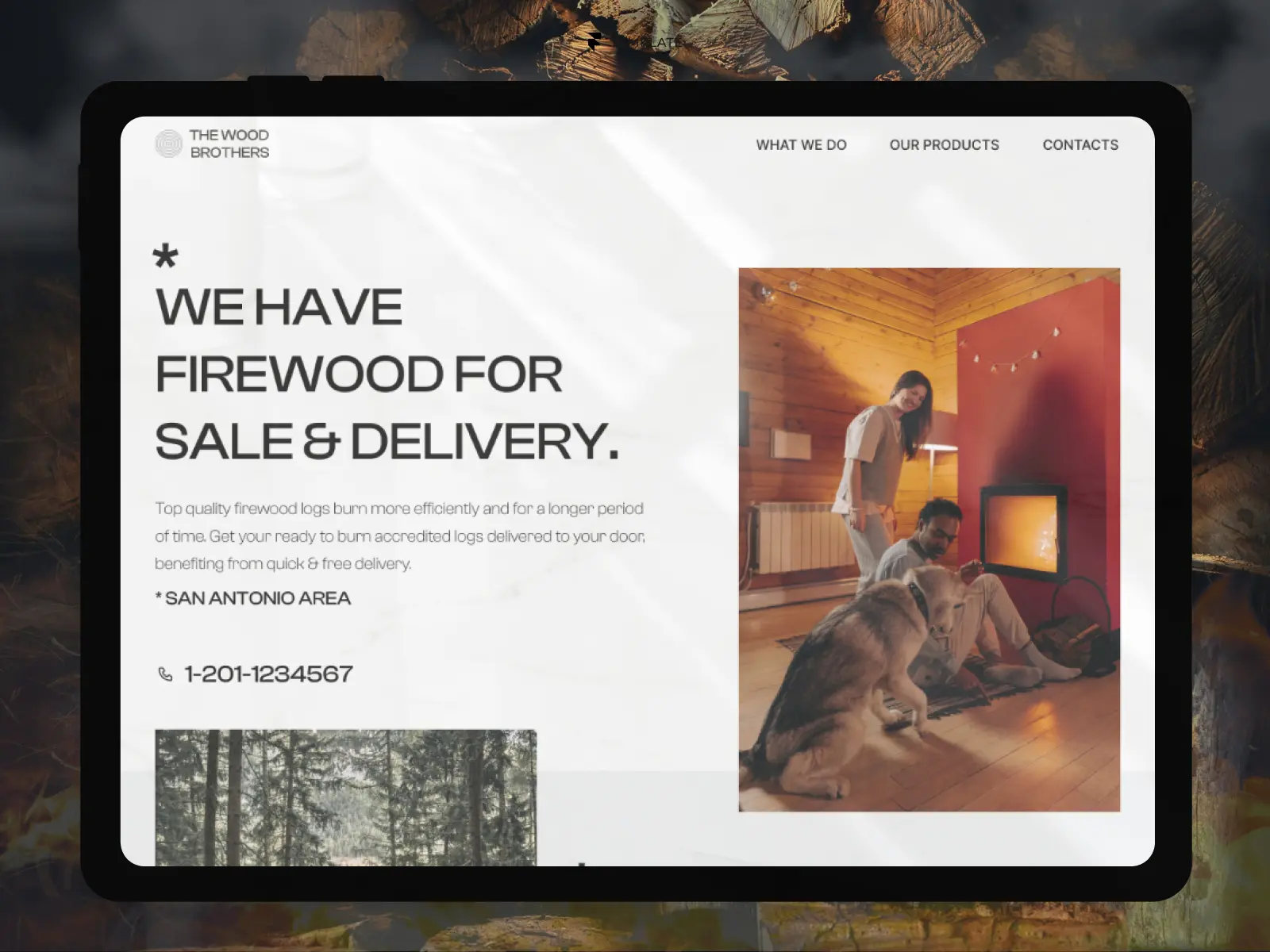
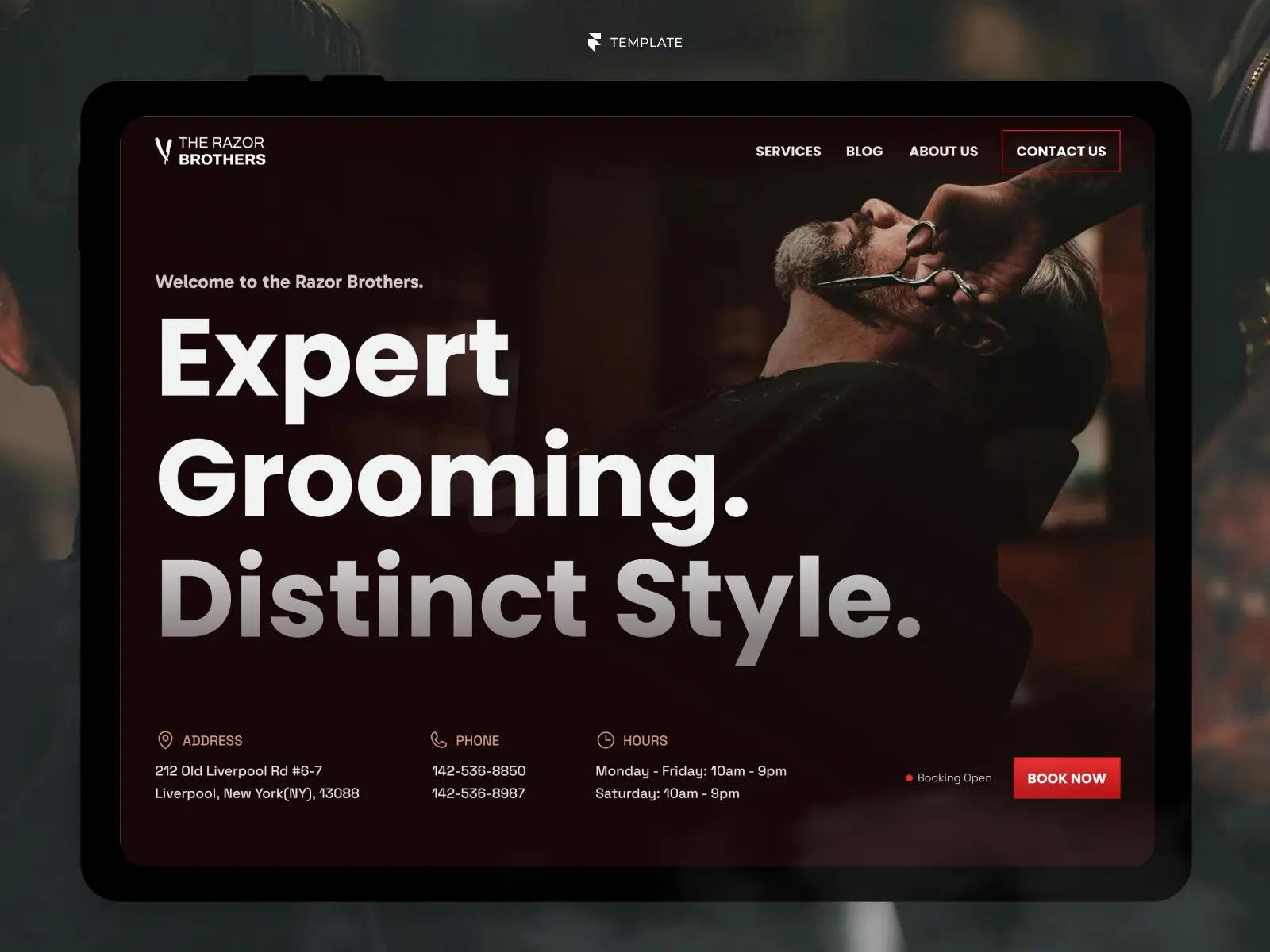
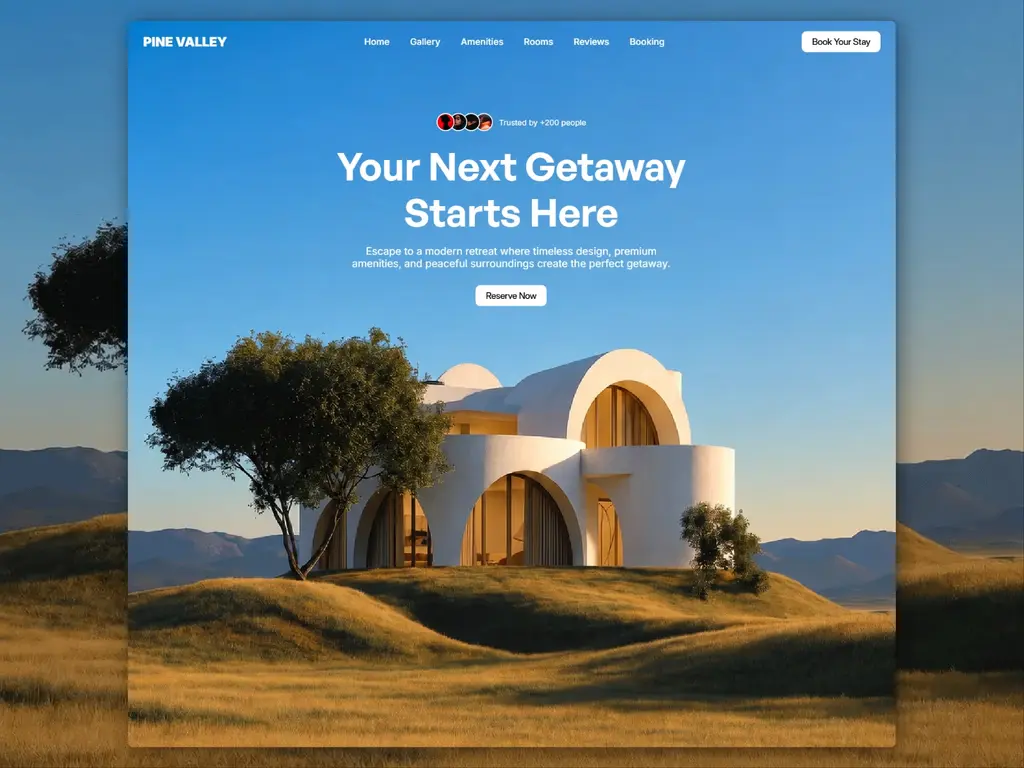
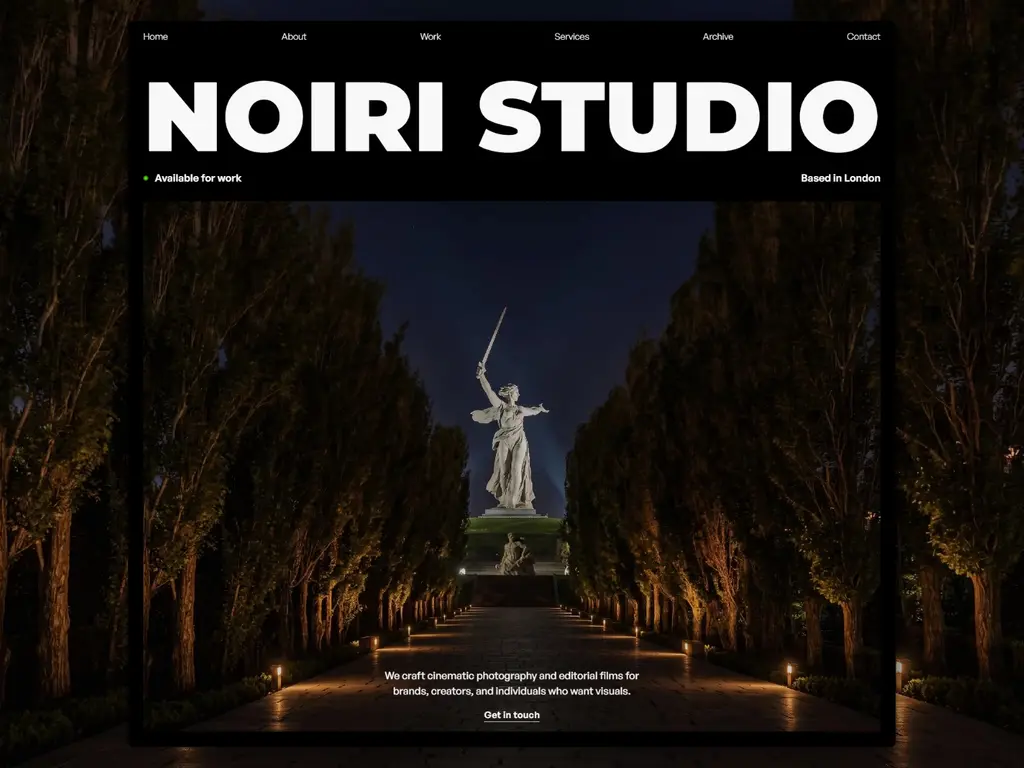
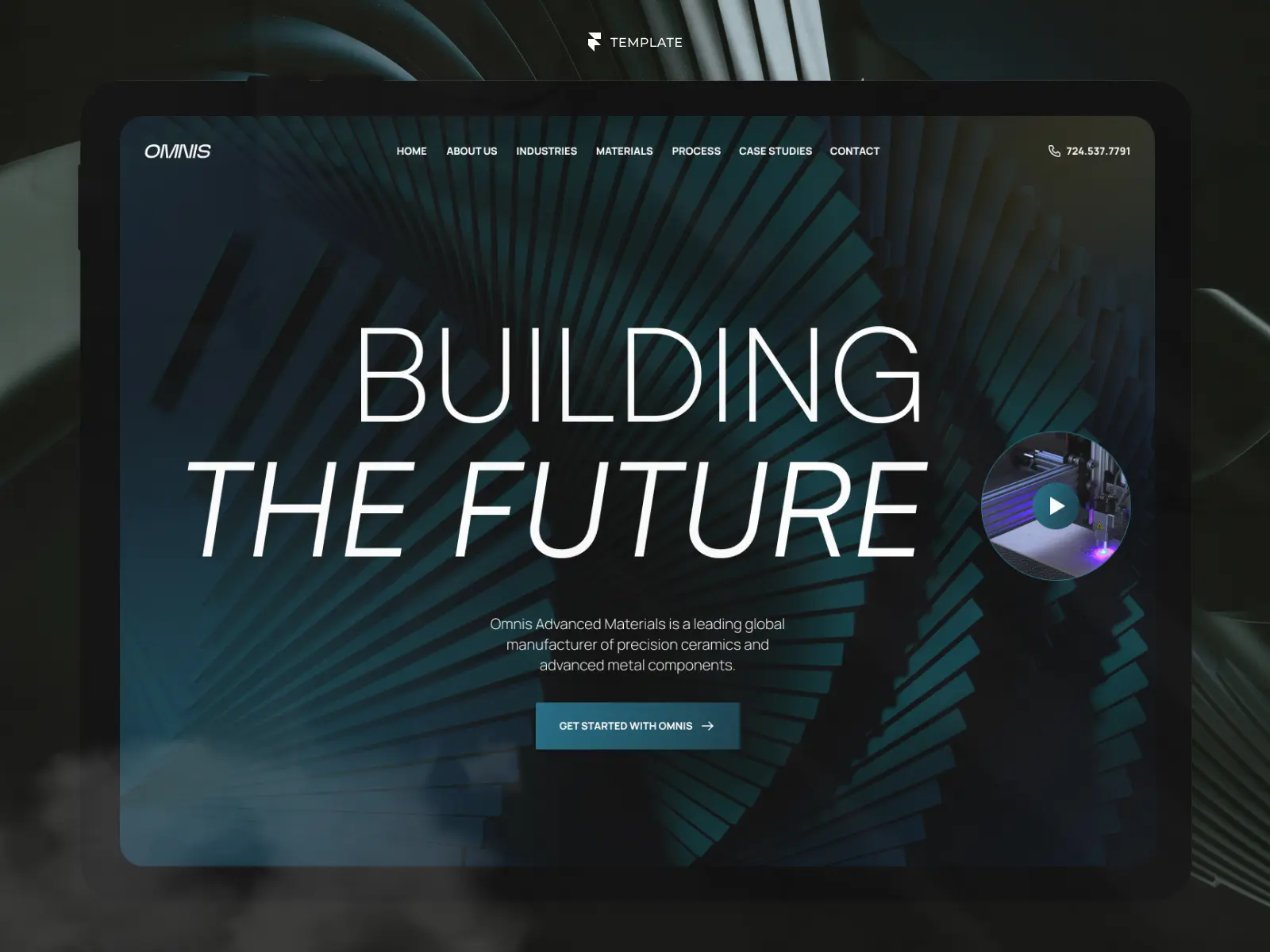
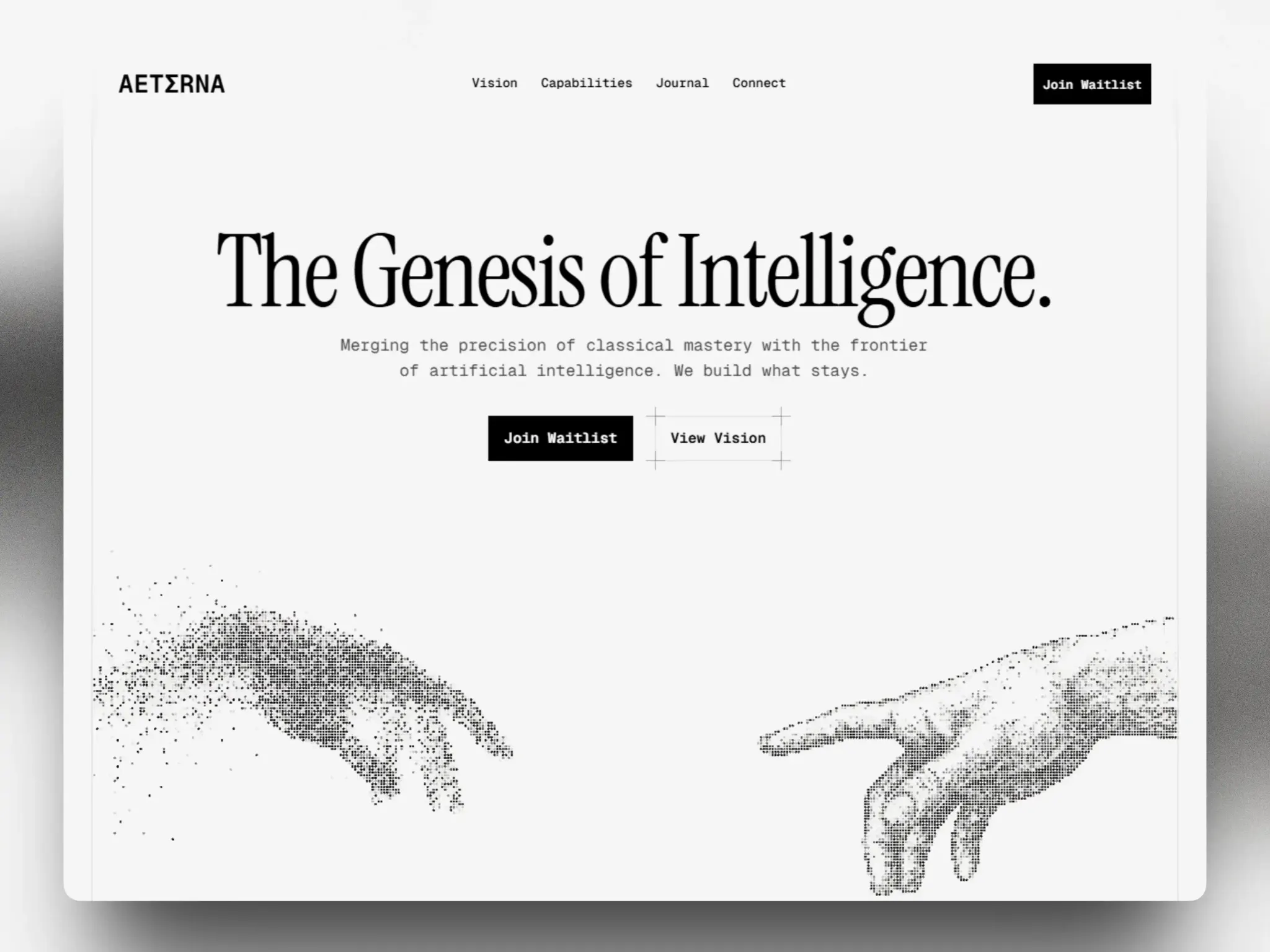
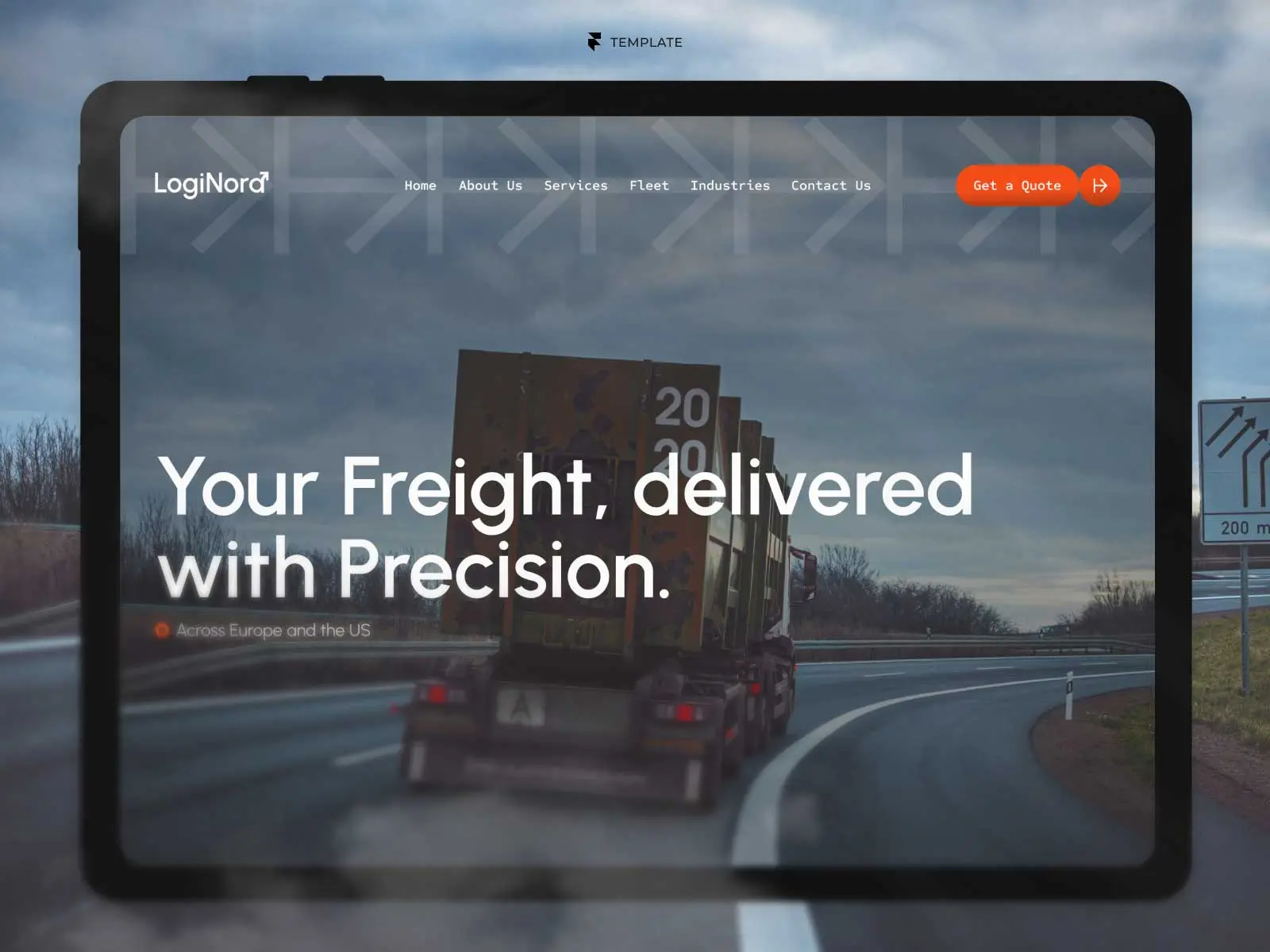
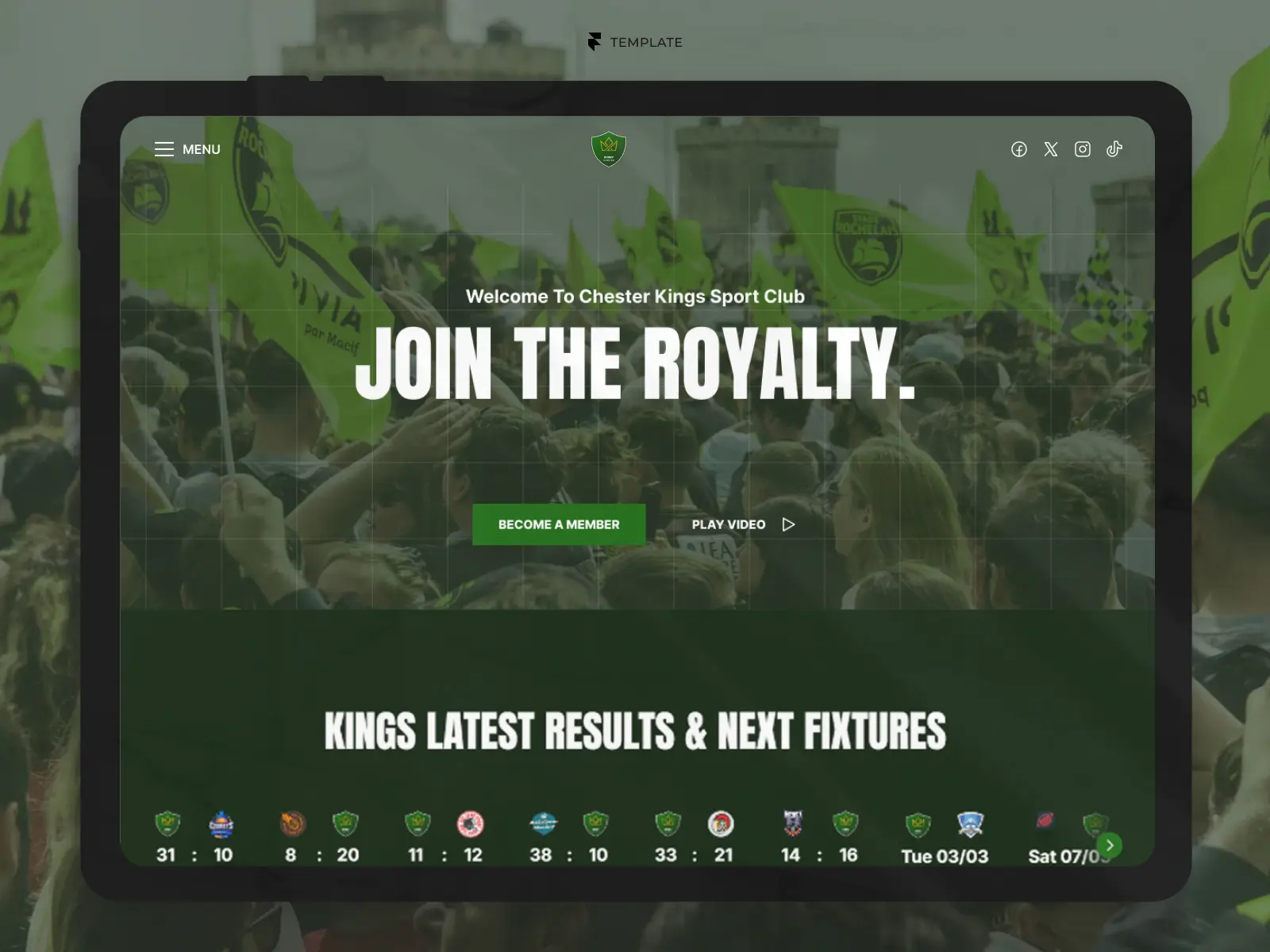
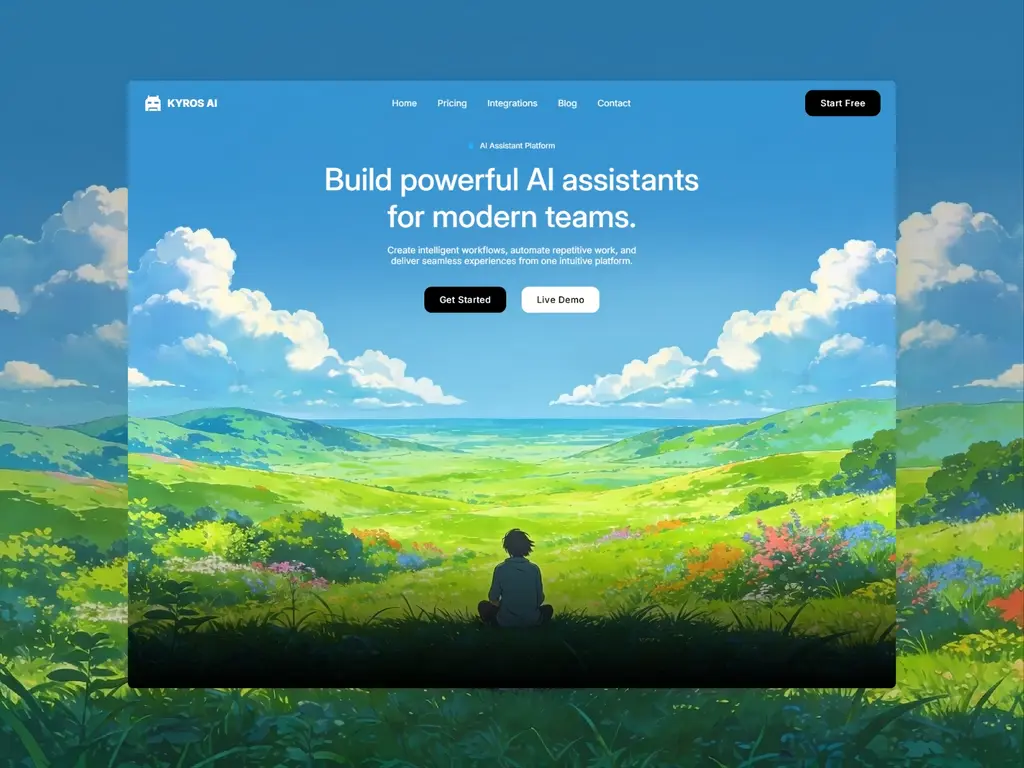
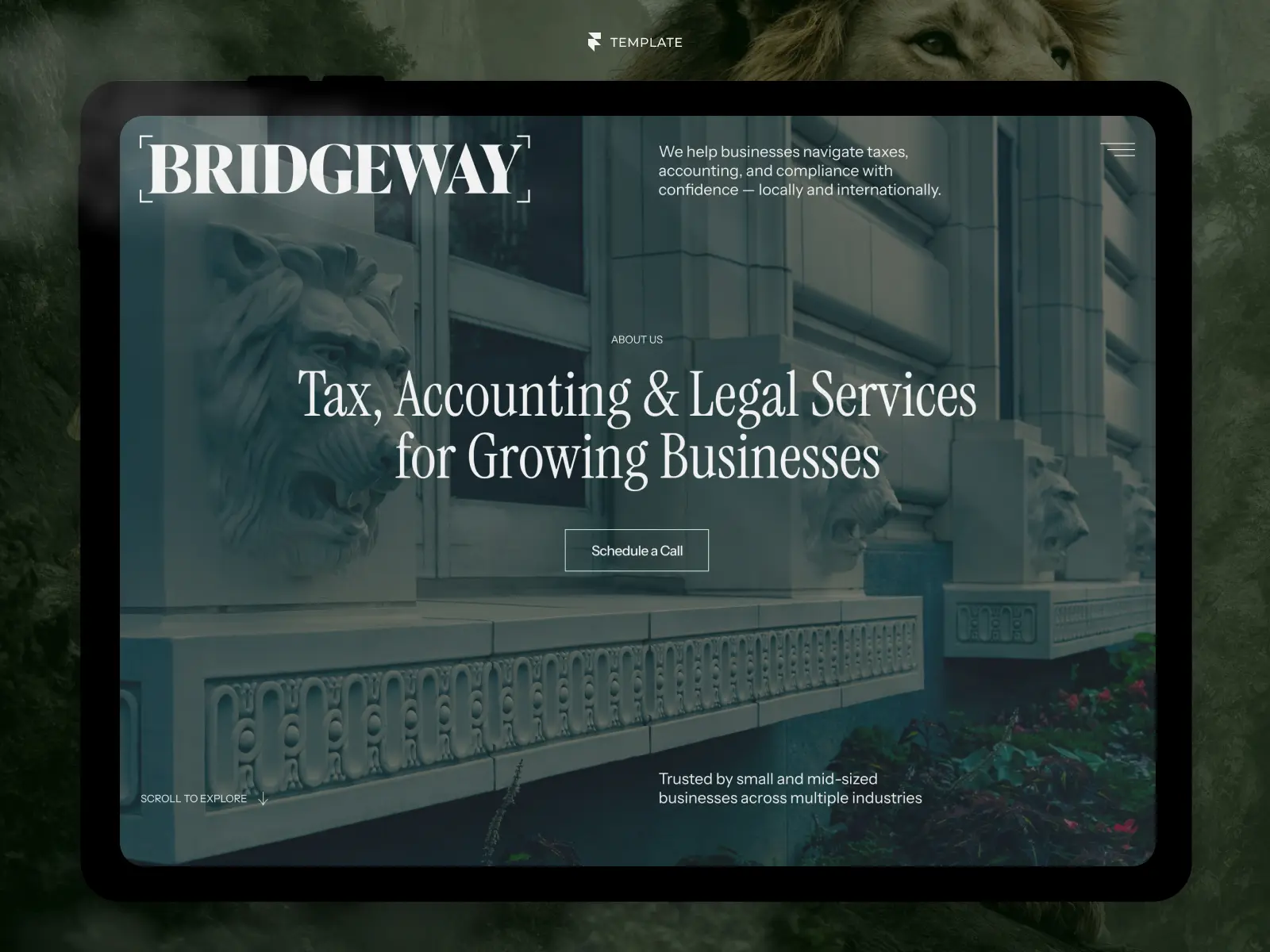
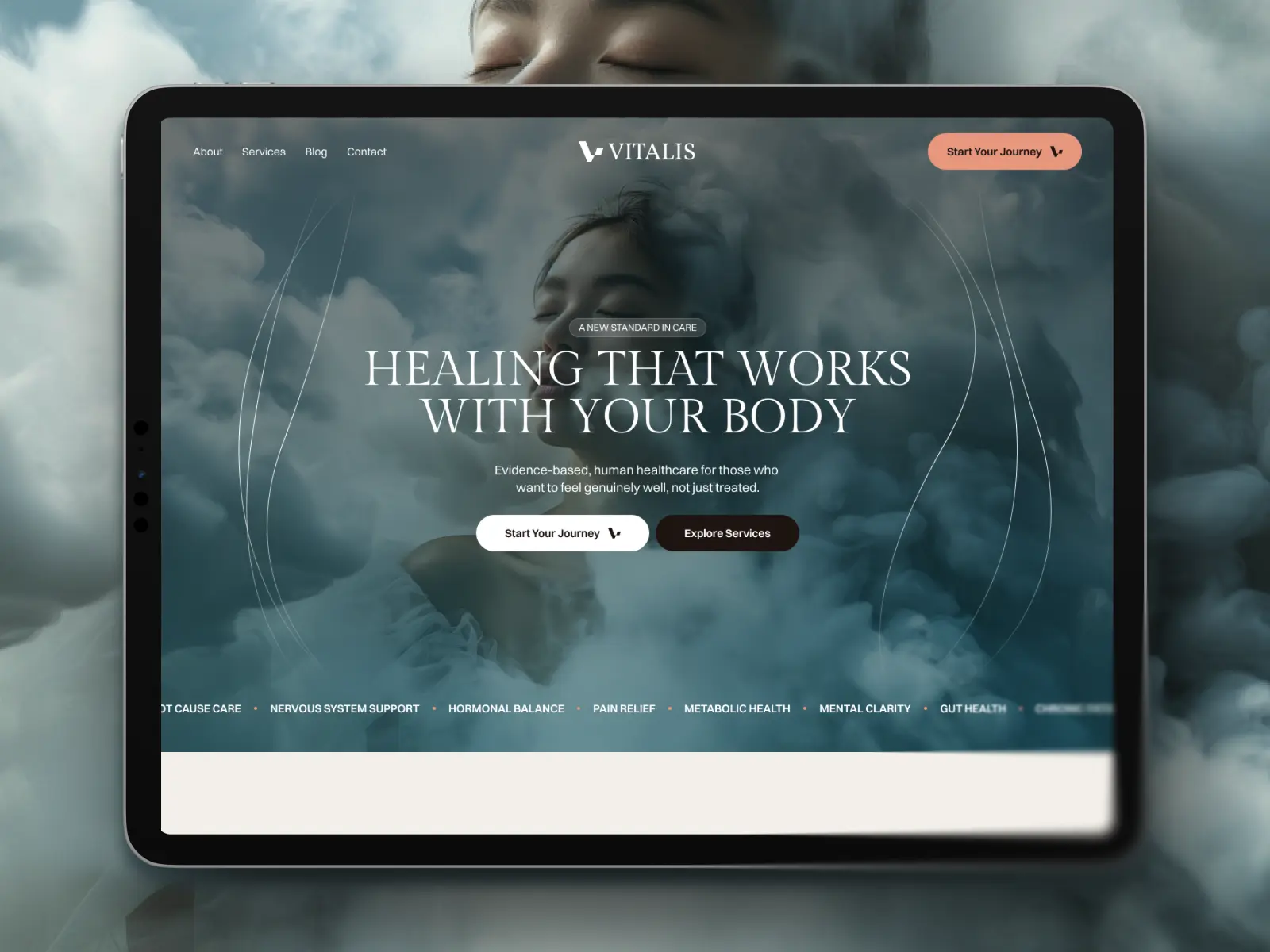
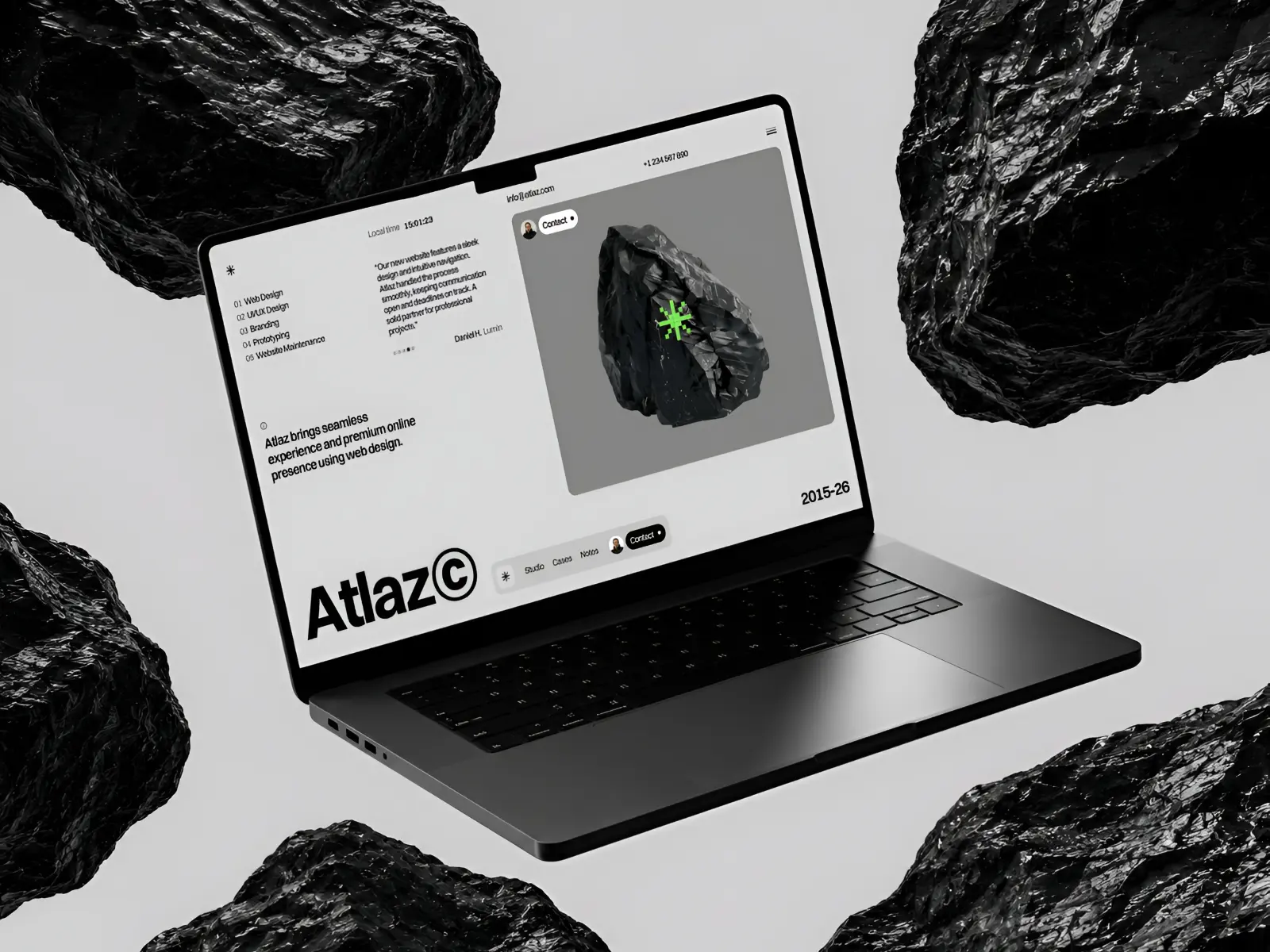
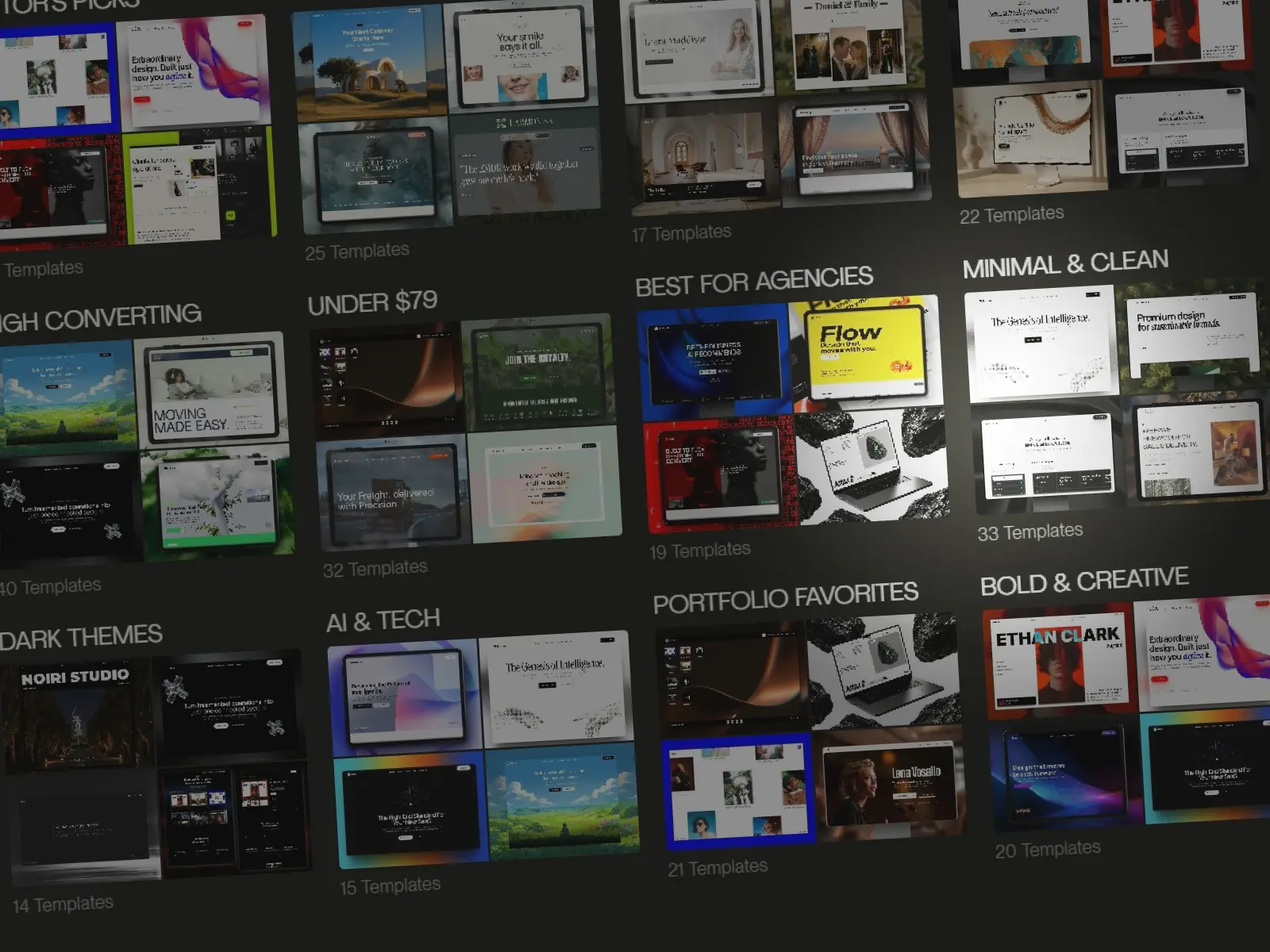
You can browse curated Framer templates on GYFT and compare their design, purpose, price, and included pages before choosing a starting point.
3. Hire a freelancer
A Framer freelancer can either customize a template or design and build the website from scratch.
Template customization is usually the more affordable option because the core layout and responsive structure already exist. A custom project costs more but gives the designer greater freedom to shape the website around your brand, content, and business goals.
Freelancer pricing varies considerably according to experience, location, project scope, and the level of service included. Some freelancers only handle the Framer build, while others provide strategy, UX, visual design, copywriting, SEO setup, and post-launch support.
This approach is often the best balance for businesses that want a distinctive, professionally executed website without the cost or process of working with a larger agency.
4. Work with a design agency
An agency is typically the most expensive option, but it can also provide the most comprehensive service.
Agency projects may involve research, positioning, information architecture, copywriting, art direction, custom design, Framer development, SEO, analytics, quality assurance, and ongoing support. You are paying not only for the website itself but also for a team, a structured process, and the ability to manage a more complex project.
This route makes the most sense for established businesses, larger teams, rebrands, and websites with multiple stakeholders or extensive content requirements. For a straightforward portfolio, landing page, or small business website, an agency process may be more than the project actually needs.
How much does Framer cost to run?
Designing a website in Framer can be free, but publishing a professional website on your own domain normally requires a paid site plan.
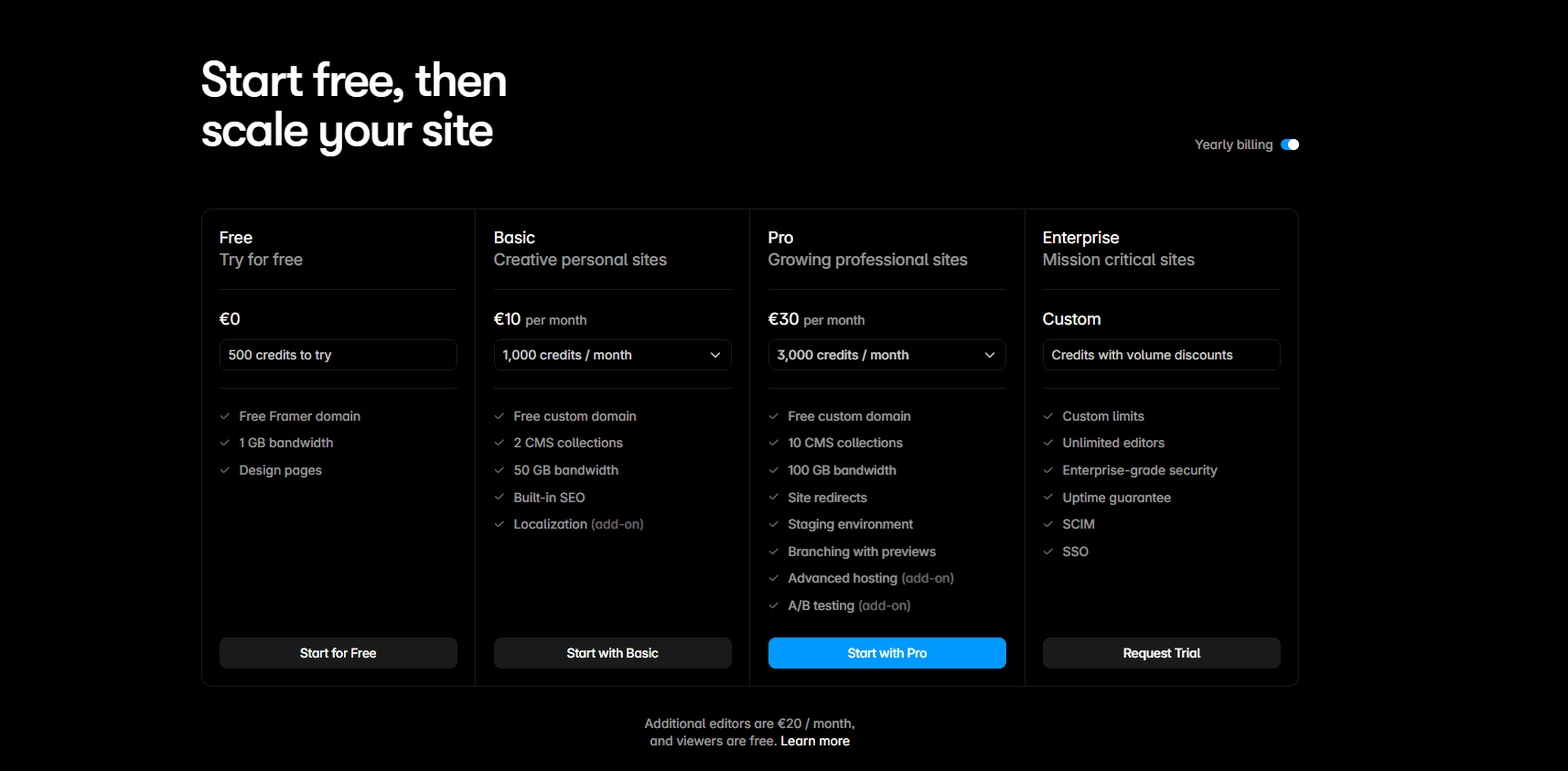
As of August 2026, Framer’s official pricing includes the following options when billed annually:
Free: $0
The Free plan is useful for learning Framer, experimenting with layouts, and preparing a website before launch. It publishes to a Framer subdomain and is primarily intended for non-commercial projects.
You can also customize a free or premium template while remaining on the Free plan and only upgrade when the website is ready to publish.
Basic: $10 per month
Basic costs $120 per year with annual billing. It includes a custom domain, up to 30 site pages, two CMS collections, 1,000 CMS items, and 50 GB of monthly bandwidth.
This is generally sufficient for portfolios, personal websites, landing pages, and smaller business websites with relatively simple content requirements.
Pro: $30 per month
Pro costs $360 per year with annual billing. It increases the limits to 150 site pages, ten CMS collections, 2,500 CMS items, and 100 GB of monthly bandwidth.
It also includes features such as site redirects, staging, and branching with previews. Pro is more appropriate for growing businesses, startups, agencies, content-driven websites, and teams that need a more structured publishing workflow.
Enterprise: custom pricing
Enterprise is designed for organizations that need custom limits, additional security, unlimited editors, dedicated support, or specific infrastructure requirements. Pricing is provided directly by Framer.
Additional Framer costs
The advertised site plan may not represent the complete monthly bill. Depending on the project, additional costs can include:
Full editors: $20 per editor per month.
Content editors: $10 per editor per month.
Additional locales: $20 per locale per month.
Additional CMS capacity, pages, or bandwidth: Available through usage-based extensions on Pro.
A/B testing and advanced hosting: Available as paid add-ons.
Additional AI credits: Optional if you regularly use Framer Agents, localization, or other credit-based features.
These extras are not required for a typical website. A solo user publishing a straightforward business site can often operate with only a Basic or Pro subscription.
Eligible yearly plans currently include a custom .com domain for the first year. However, the domain renews at its standard price after that period, so it should still be considered part of the website’s long-term running cost.
How much do Framer templates cost?
Framer templates range from completely free to more than $200. Most premium templates fall somewhere between $49 and $129, although larger templates with extensive page collections, ecommerce integrations, or specialized functionality may cost more.
The template price is normally a one-time payment. It does not include your Framer site plan, domain renewal, third-party subscriptions, or professional customization.
Free Framer templates
Free templates can provide everything required for a simple portfolio, landing page, or small website. They are also useful for learning how Framer projects are structured before committing to a paid product.
However, free templates often include fewer pages, more generic layouts, limited documentation, or less direct support from the creator. This is not always the case, and some free templates are exceptionally well made, but they should still be evaluated carefully.
Premium Framer templates
Premium templates generally provide a more complete starting point. Depending on the product, the price may include:
Multiple ready-made pages.
Responsive desktop, tablet, and mobile layouts.
Reusable components and variants.
Global color and typography styles.
CMS collections and dynamic pages.
Custom interactions and animations.
Documentation or setup instructions.
Updates and support from the creator.
A $79 template can be good value if it saves several days of design and development. Conversely, even a free template becomes expensive if its structure is unsuitable and requires most of the website to be rebuilt.
The right question is therefore not simply whether a template is cheap. It is whether the template already solves enough of your project to justify its price.
Costs beyond the template purchase
After purchasing a template, you may still need to budget for:
Replacing the demo content with your own copy.
Adapting the visual identity to your brand.
Preparing or licensing images, videos, icons, and fonts.
Adding pages or sections that are not included.
Configuring forms, analytics, SEO, and integrations.
Hiring a designer or developer for more advanced changes.
Framer templates are complete website projects that can be edited after being copied to your workspace. However, purchases are made directly from independent creators, and support and refund policies can vary. You should always inspect the live preview, included pages, license, documentation, and creator support before buying.
For a more detailed comparison, read our guide to free vs premium Framer templates.
What affects the cost of a Framer website?
The number of pages matters, but it is rarely enough to determine the price of a website. Two Framer projects with the same page count can require very different amounts of work.
The following factors usually have the greatest influence on the final cost.
Number of unique page layouts
A ten-page website does not necessarily require ten separate designs. Several pages may reuse the same structure, particularly when they are generated through the CMS.
A website with five highly distinctive pages can require more work than one with twenty pages built from three reusable layouts. When requesting a quote, distinguish between the total number of pages and the number of unique page types.
Custom design requirements
Starting from an existing design system or suitable template reduces the amount of original design work required.
A fully custom website involves decisions about art direction, typography, color, layout, components, interactions, and responsive behavior. The more distinctive and carefully considered the visual identity needs to be, the more time the design phase will require.
Template compatibility
Using a template only saves money when its structure is reasonably close to what the project needs.
Changing branding, content, and imagery is usually efficient. Replacing most sections, rebuilding the navigation, creating multiple new page types, or adapting a portfolio template into a complex business website can make customization nearly as expensive as a custom build.
Choosing the right starting point is therefore one of the most important cost decisions. Our guide on how to choose the right Framer template for your business explains what to evaluate before making a purchase.
CMS and content structure
A basic brochure website may only need static pages. Blogs, portfolios, team directories, property listings, job boards, and other content-driven websites require CMS collections collections, dynamic pages, filters, references, and a carefully planned content structure.
CMS work becomes more expensive when content must be migrated from another platform or when editors need a system that is simple to maintain after launch.
Interactions and custom functionality
Simple entrance animations and hover effects are relatively quick to configure. Advanced scroll effects, complex transitions, interactive maps, calculators, custom filters, memberships, ecommerce integrations, or code components require more design, development, and testing.
Third-party functionality may also introduce recurring subscription costs beyond the initial implementation fee.
Copywriting and visual assets
A website cannot be completed with layout work alone. It also needs final copy, images, illustrations, icons, videos, and product or project information.
Providing organized, publication-ready content can reduce the project cost and timeline. If the designer or agency must create, source, edit, or repeatedly restructure the content, those services will normally be reflected in the quote.
Responsive design, accessibility, and testing
Every page must work across desktop, tablet, and mobile breakpoints. Forms, navigation, interactions, CMS content, and embedded tools also need to be tested.
Accessibility checks, browser testing, performance optimization, and basic SEO setup may be included in a professional quote, but they should never be assumed. Clarify the deliverables before comparing prices from different providers.
Timeline and collaboration
Urgent projects often cost more because they require the designer or team to rearrange their schedule. Projects with several stakeholders, extended approval processes, or frequent changes can also require additional project management and revision time.
A clear brief, prepared content, one responsible decision-maker, and realistic deadlines can materially reduce both the cost and the risk of delays.
Framer website cost by project type
The type of website provides a useful starting point for estimating the budget. The following ranges cover common Framer projects and exclude recurring platform, domain, and third-party subscription costs.
Personal website or portfolio: $0–$2,000
A personal website can often be created with a free template and a Basic plan. The lower end assumes that you prepare the content and customize the site yourself.
Hiring a professional becomes worthwhile when the portfolio needs original art direction, detailed case studies, custom interactions, or a stronger personal brand.
Landing page: $0–$4,000
A template-based landing page can be launched at very little cost, particularly when the copy and visual assets are already prepared.
A custom landing page may require positioning, conversion-focused copy, original design, responsive development, analytics, and testing. Although it contains only one page, each section may need to be designed individually, so a strong landing page is not always a small project.
Small business website: $100–$6,000
A typical small business website may include a homepage, about page, services, contact page, and several supporting pages.
A suitable template can keep the cost toward the lower end of this range. Custom design, copywriting, local SEO, booking tools, service-specific pages, and content migration increase the budget.
GYFT’s collection of Framer templates for small businesses includes options created for service providers and local companies that want to avoid starting from scratch.
Startup or SaaS website: $500–$12,000
Startup websites frequently require more than an attractive homepage. Common requirements include feature pages, pricing, integrations, use cases, testimonials, documentation, a blog, and multiple conversion paths.
Templates work well for early-stage products that need to launch quickly. A custom project becomes more valuable when the company has validated its positioning, established a visual identity, or needs the website to support a more sophisticated marketing strategy.
Content-driven or CMS website: $1,000–$15,000
Blogs, publications, directories, portfolios, and resource libraries require a carefully planned CMS.
The cost depends on the number of collections, relationships between content types, filtering requirements, content migration, and the tools editors need after launch. Large quantities of existing content can make migration and quality assurance a significant part of the budget.
Ecommerce website: $1,000–$15,000 or more
Framer can be used for visually distinctive storefronts, smaller catalogs, and content-led ecommerce experiences, but it does not provide a complete native commerce system.
The final cost depends heavily on the external solution used for products, checkout, payments, inventory, taxes, shipping, and customer accounts. A simple store using embedded checkout links may be relatively affordable, while a deeper Shopify or custom integration can become a substantial development project.
You can explore ecommerce Framer templates to see the different approaches available before deciding whether Framer is appropriate for your store.
Hidden and ongoing Framer website costs
The initial design and development quote does not always represent the complete cost of owning a website. Before choosing an approach, check which of the following expenses are included.
Domain renewal
Eligible annual Framer plans currently include a .com domain for the first year, but the domain renews at its standard price afterward.
If you already own a domain, it can be connected to Framer. The registration and renewal fees remain separate from the Framer subscription.
Business email
Framer hosts your website but does not provide a professional email inbox. An address such as hello@yourcompany.com requires a separate email provider and subscription.
Fonts, images, video, and other assets
Templates often use free or licensed demonstration assets, but the permissions can vary. Confirm which fonts, photographs, videos, illustrations, icons, and mockups are included for commercial use.
Creating or licensing replacement assets can add anything from a small stock subscription to the cost of a professional photoshoot, illustration set, or video production.
Third-party tools and integrations
Forms, newsletters, appointment booking, live chat, analytics, memberships, search, automation, and ecommerce functionality may depend on external services.
Some offer useful free plans, while others charge monthly based on contacts, submissions, users, or usage. Review these costs before committing to a particular technical solution.
Ecommerce and payment fees
If the website accepts payments, the checkout provider may charge a monthly subscription, transaction fee, or both.
Inventory management, tax calculation, shipping, customer accounts, subscriptions, and transactional emails may also require separate tools. These running costs can be more significant than the Framer site plan itself.
Maintenance and updates
Framer manages hosting, security infrastructure, and platform updates, so it usually requires less technical maintenance than a self-hosted website.
However, the content still needs to remain accurate. You may also need to add pages, update integrations, replace expired offers, adjust designs, or fix issues introduced by external services. This work can be handled internally, paid by the hour, or covered by an ongoing support agreement.
SEO, analytics, and legal requirements
Basic SEO settings and analytics are available in Framer, but a broader search strategy, keyword research, content creation, structured data, conversion tracking, accessibility review, cookie consent, and legal documentation may require specialist help or additional tools.
These services are not necessary for every project, but they should be included in the budget when they are important to the business.
Which Framer website option is right for you?
The cheapest approach is not automatically the one that provides the best value. Your budget should be considered alongside the launch deadline, internal skills, business goals, and consequences of getting the website wrong.
Build from scratch if you have more time than budget
The DIY route is appropriate when you are comfortable making design decisions, want to learn Framer, and can launch without a strict deadline.
It also works for experiments, personal projects, early ideas, and websites whose main purpose is simply to establish an online presence. The financial cost can be minimal, but you should be realistic about the value of your time.
Use a template if speed and affordability matter
A Framer template is often the best option when you need a professional website quickly and can find a design that already fits your content and industry.
Templates are particularly suitable for:
Portfolios and personal websites.
Local and service-based businesses.
Early-stage startups.
Marketing and campaign landing pages.
Small agencies and studios.
Straightforward blogs and content websites.
A template is less suitable when your business needs a highly distinctive digital identity, unusual content architecture, or functionality that the original project was not designed to support.
Choose template customization for the middle ground
Hiring a professional to customize a strong template can provide a useful balance between cost, speed, and quality.
The underlying structure reduces the amount of work required, while professional input helps the finished website feel consistent with your brand rather than like an unchanged template. This approach also reduces the risk of responsive problems, weak visual hierarchy, and incomplete SEO setup.
The savings become smaller when most pages need to be redesigned. Before committing to customization, ask whether the template will genuinely remain the foundation of the finished website.
If you plan to make the changes yourself, follow our step-by-step guide to customizing a Framer template.
Hire a freelancer when the website needs expert judgment
A freelancer is a good option when you want a professional result but do not need the full service or team structure of an agency.
This may involve customizing a template, translating an existing Figma design into Framer, or creating a fully custom website. The most important step is confirming exactly what the quote includes, particularly strategy, copywriting, responsive design, CMS setup, SEO, revisions, and post-launch support.
Work with an agency when the project is broader than the website
An agency becomes more appropriate when the project involves research, brand strategy, several specialists, complex stakeholder approval, or a larger marketing and content operation.
The higher cost can be justified when the website is part of a wider rebrand or business initiative. For a relatively straightforward website, however, a smaller team or experienced freelancer may deliver comparable value with less overhead.
A practical rule
If a suitable template already solves approximately 70–80% of your required structure, starting from that template will usually be the most efficient option.
If you would need to replace most of the layouts, components, and interactions, a custom project may provide better long-term value despite the higher initial cost.
Final verdict: how much should you budget for a Framer website?
Framer itself is relatively affordable. The largest cost is usually not the platform subscription but the time, experience, and specialist work required to turn an idea into a finished website.
If you are comfortable handling the work yourself, a free or premium template can keep the initial cost below a few hundred dollars. Adding professional customization commonly moves the project into the hundreds or low thousands, while a fully custom website from a freelancer or agency can range from several thousand to more than $30,000.
For most individuals, startups, and small businesses, the best value lies in choosing a high-quality template that already matches the website’s intended structure and customizing it carefully. A fully custom project makes more sense when the website needs a distinctive identity, complex content, advanced functionality, or a broader strategic process.
Whatever route you choose, compare the complete cost rather than the initial price alone. Account for the Framer plan, domain, content, assets, integrations, maintenance, and the value of the time required to launch.
If a template is the right starting point for your project, explore curated Framer templates from independent creators on GYFT.
Frequently Asked Questions
Can I build a Framer website for free?
Yes. You can design, customize, and publish a website using Framer’s Free plan and a Framer subdomain. A paid plan is normally required when you want to connect your own domain and use the website professionally.
How much does Framer cost per month?
How much does a Framer template cost?
How much does a Framer freelancer charge?
Is using a Framer template cheaper than building a custom website?
Do I need to keep paying after my Framer website is published?

Try Systeme.io
Your website is only the beginning.
Take your Framer site further with funnels, email marketing, automation, bookings and more.


AFFILIATE PARTNER