8 min read
How to choose the right Framer template for your business
Choosing a Framer template isn't just about finding the best-looking design. The right template should support your business goals, make content easy to manage, and scale as your website grows.
In this guide, you'll learn what to look for before buying a Framer template—and the common mistakes that can cost you time, money, and unnecessary redesigns later on.
Introduction
Launching a website with Framer has never been easier.
With hundreds of templates available across marketplaces, you can go from an idea to a live website in just a few hours. Whether you're building a startup landing page, an agency website, an online portfolio, or a company blog, there's likely already a template that fits your needs.
But having more choice also creates a new challenge.
How do you know which template is actually right for your business?
Many people make the same mistake: they choose the template with the most impressive homepage.
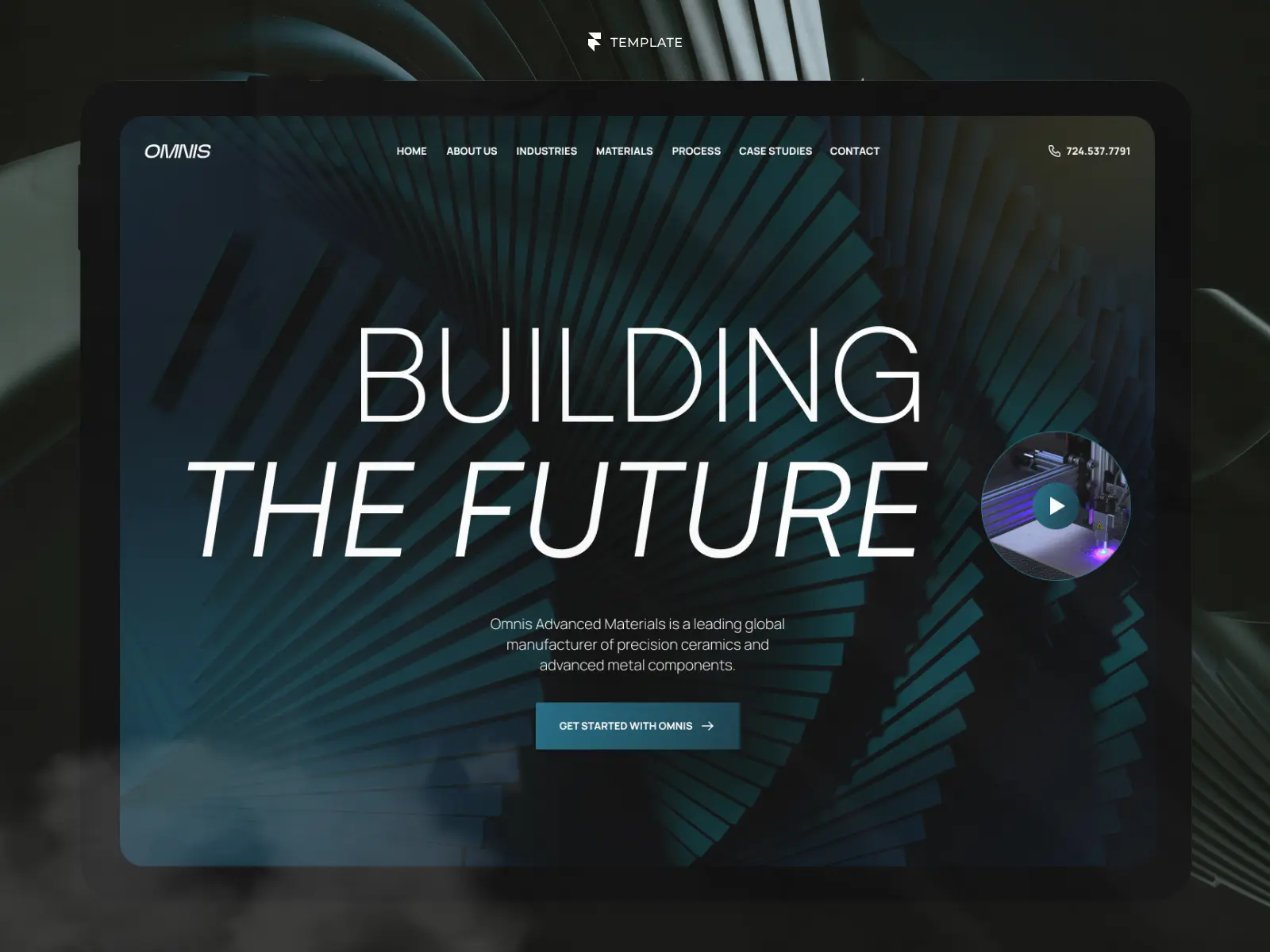
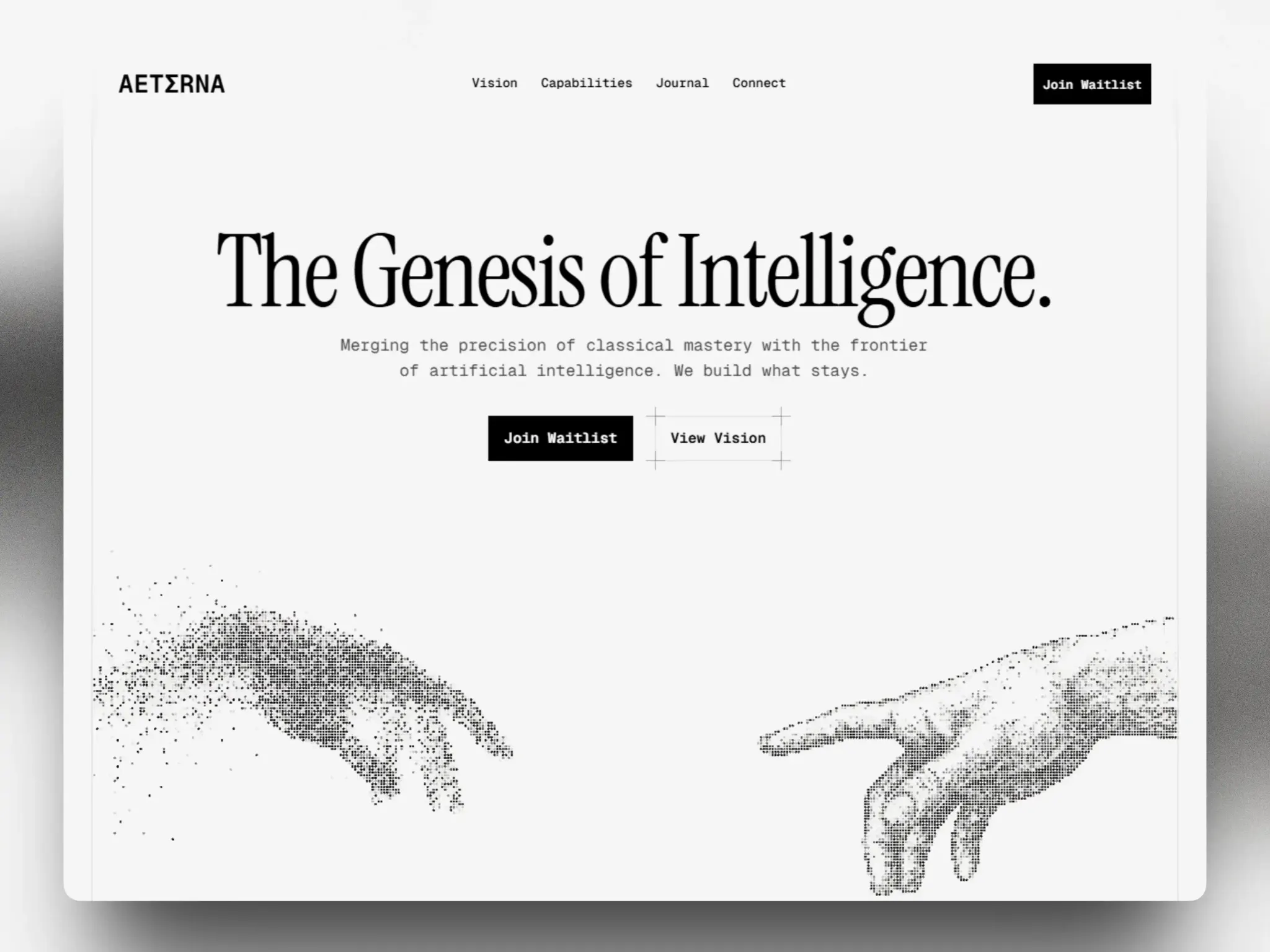
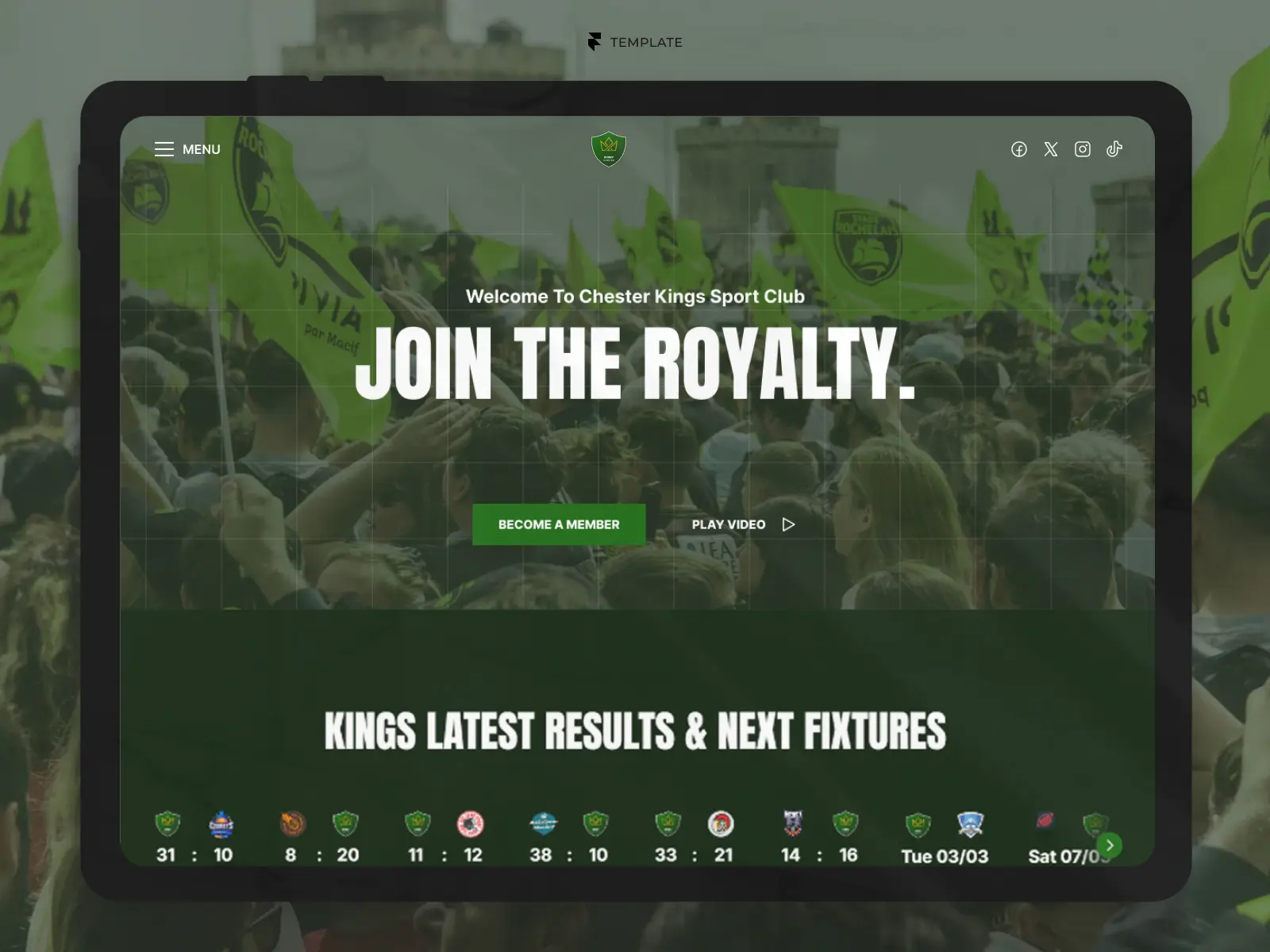
While visual design is important, it's rarely what determines whether a template will save you time in the long run. A beautiful hero section won't help if the CMS is poorly organised, the mobile experience is inconsistent, or the template becomes difficult to customise as your business grows.
The best Framer templates combine great design with thoughtful structure.
They're easy to edit, flexible enough to adapt to your brand, and built around real business needs rather than simply looking good in a demo.
In this guide, we'll walk through the key factors you should consider before choosing a Framer template, helping you make a confident decision and avoid the most common pitfalls.
Why Choosing the Right Framer Template Matters
A website template isn't just a starting point for your design.
It's the foundation of how your website will be built, managed, and maintained over time.
Choosing the right template can dramatically reduce development time, simplify content updates, and make future changes far easier. Choosing the wrong one often leads to hours of unnecessary customisation—or worse, rebuilding the site from scratch once you realise the structure doesn't fit your business.
That's why it's important to look beyond aesthetics.
A well-designed template should solve real business problems.
It should guide visitors toward your primary call to action, organise information clearly, perform well on every device, and give your team an intuitive way to manage content without constantly editing layouts.
Think of a template as an investment rather than a shortcut.
The goal isn't to find the most visually impressive design.
The goal is to find the design that requires the fewest compromises once you replace the demo content with your own.
Pro Tip
A good template should still feel well structured after you imagine replacing every image, headline, and testimonial with your own content. If it only looks good because of the demo content, it's probably not the right choice.
Start With Your Business Goals
Before browsing templates, take a step back and define what you actually want your website to achieve.
This might sound obvious, but it's surprising how many businesses start by choosing a design instead of defining the outcome they expect from the website.
A template built for a SaaS startup won't necessarily work for a law firm. Likewise, a portfolio designed to showcase creative work isn't the best choice for a company focused on generating qualified leads.
For smaller companies, starting with a purpose-built website templates for small businesses can also reduce unnecessary complexity and make it easier to focus on the features that actually matter.
Your business goals should always influence the type of template you choose.
Lead Generation
If your primary objective is generating enquiries, look for templates that prioritise clear calls to action, trust-building sections, testimonials, contact forms, and service pages.
The homepage should naturally guide visitors towards booking a consultation, requesting a quote, or getting in touch.
Selling Digital Products or Services
Businesses selling online should focus on ecommerce website templates that clearly explain their offer, highlight benefits, answer common objections, and make purchasing decisions feel straightforward.
Strong product sections, pricing layouts, FAQs, and comparison blocks can significantly improve conversions.
Building Brand Credibility
Professional services often need to establish trust before anything else.
Look for templates that dedicate space to case studies, client logos, certifications, testimonials, awards, and team introductions.
These elements help reassure potential customers that they're making the right decision.
Growing Organic Traffic
If content marketing is part of your strategy, don't treat the blog as an afterthought.
Choose a template with a well-designed CMS, article layouts, category pages, and internal linking opportunities. A strong blog structure will be far more valuable in the long term than an elaborate homepage animation.
Common Mistake
Many businesses buy a portfolio template simply because it looks modern. Six months later, they realise they need service pages, a blog, team profiles, and case studies—features that were never part of the original structure.
Choose a Template Built for Your Industry
One of the quickest ways to reduce customisation work is to start with a template that already understands your industry.
Every business has different content requirements.
A dental clinic needs appointment-focused pages, treatment information, and patient testimonials.
A SaaS company typically needs feature breakdowns, pricing tables, integrations, documentation, and product screenshots.
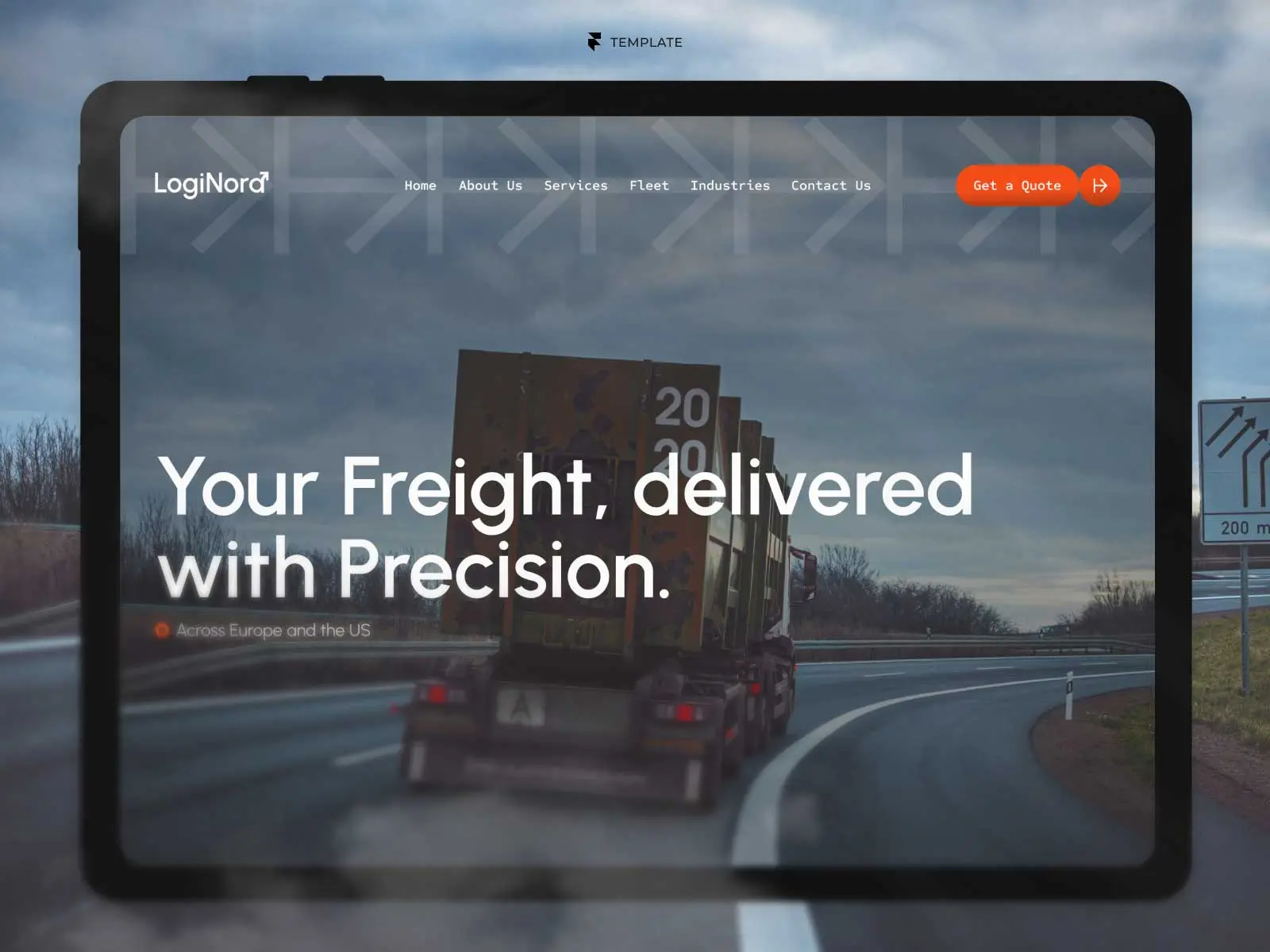
A logistics company needs service pages, fleet information, industries served, and location-specific content.
While any Framer template can technically be customised for almost any purpose, starting with an industry-specific design usually means spending less time rebuilding layouts and more time refining your content.
More importantly, industry-focused templates tend to include sections that have already proven effective for similar businesses.
Instead of asking yourself, "What sections should my homepage include?", you're working from a structure that's already aligned with user expectations.
For example:
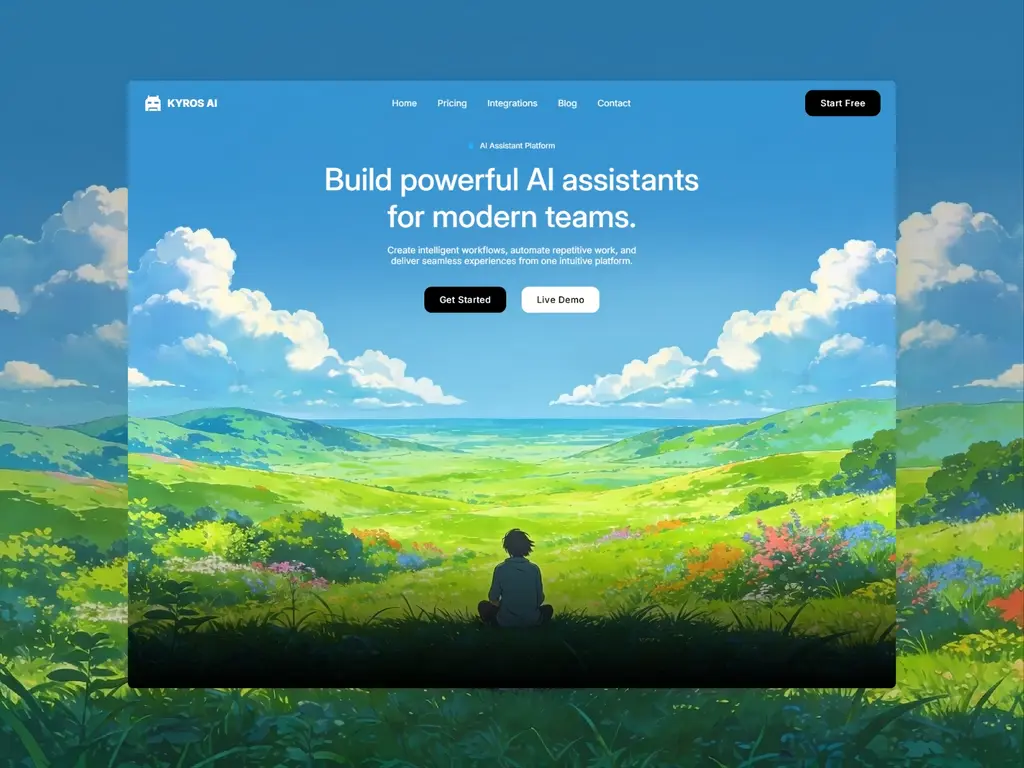
Startups & SaaS often benefit from templates featuring product showcases, pricing sections, FAQs, and customer testimonials.
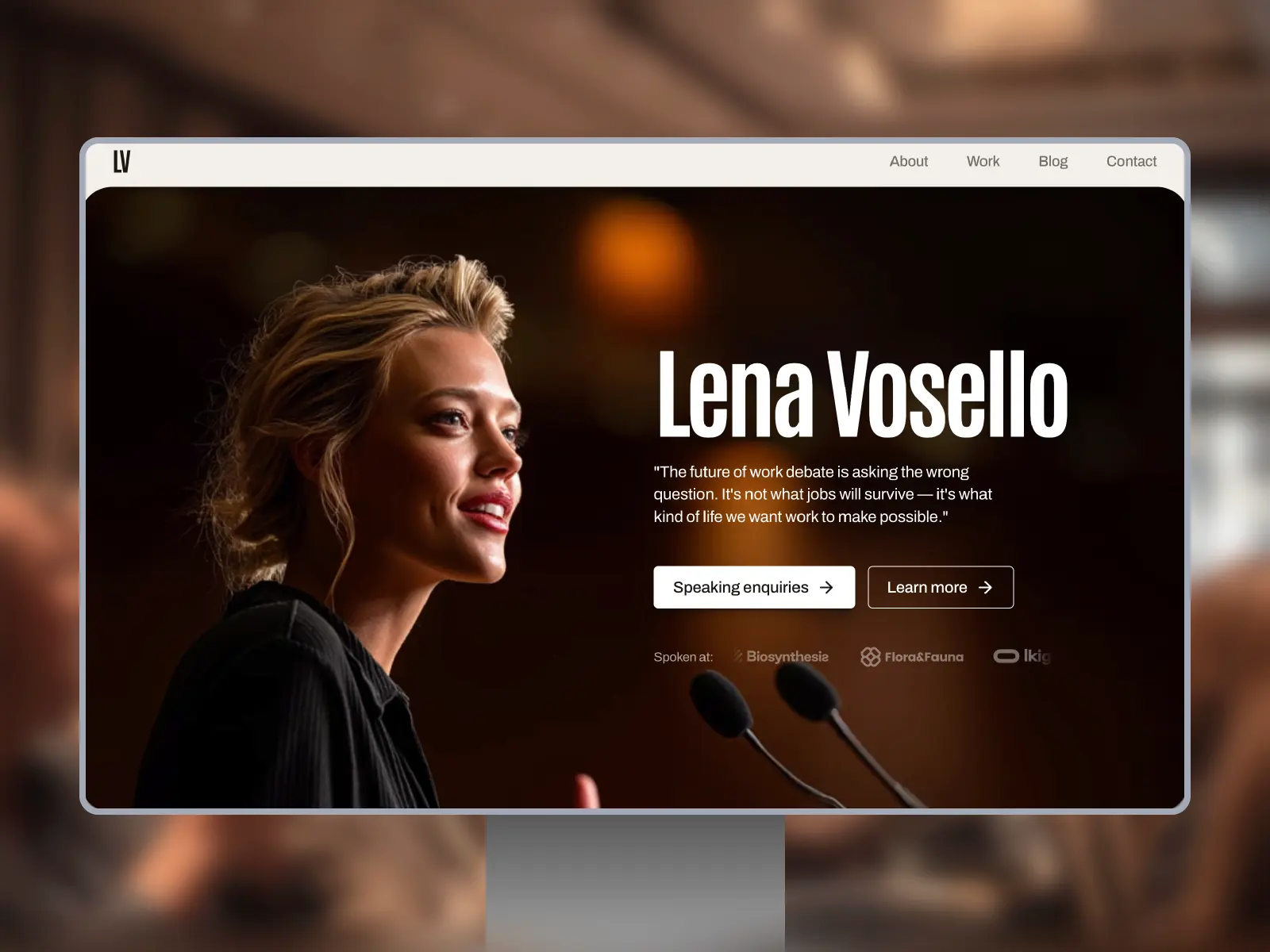
Creative agencies typically need project portfolios, service pages, and team introductions.
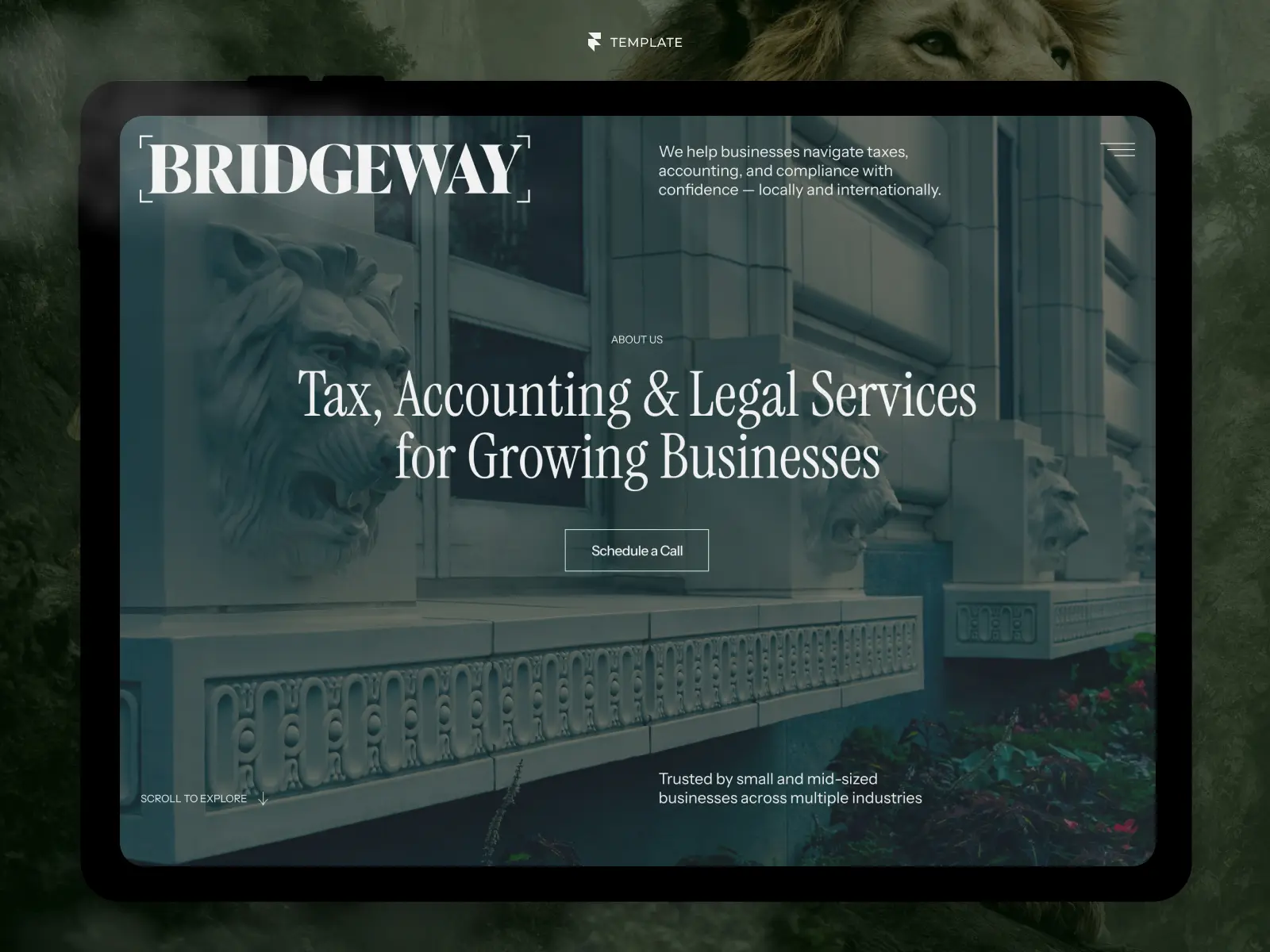
Professional services such as accountants, consultants, or law firms usually require trust-building content, credentials, and clear contact pathways.
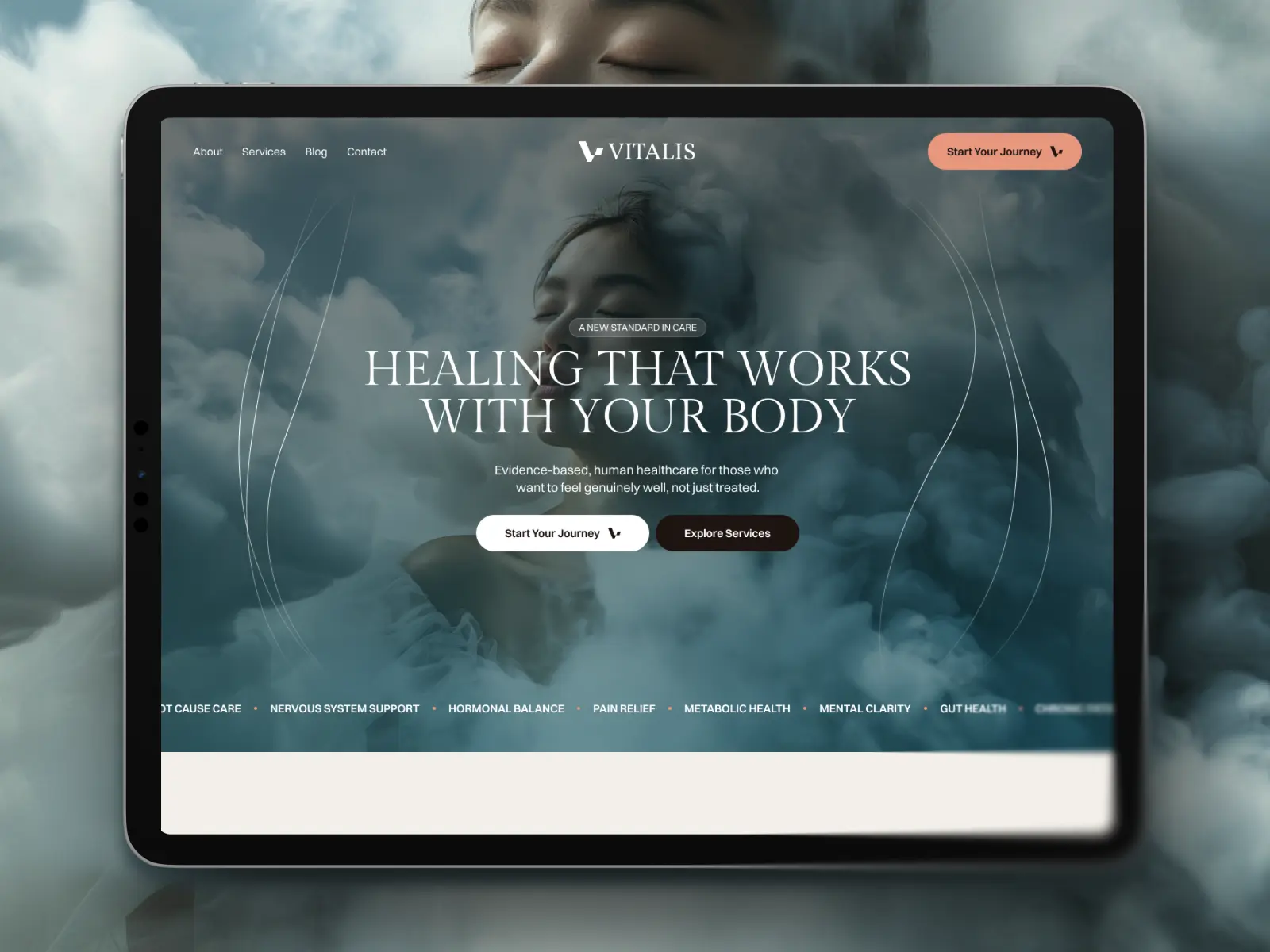
Healthcare businesses often prioritise treatments, practitioner profiles, patient reviews, and online booking. Starting with a purpose-built healthcare website template can make this structure much easier to implement.
Real estate agencies need property listings, agent profiles, neighbourhood guides, and enquiry forms. Starting with a purpose-built real estate website template can make this structure much easier to implement.
Choosing a template that's already designed around your industry doesn't limit creativity—it simply gives you a stronger starting point.
Good to Know
Industry-specific doesn't mean industry-exclusive. A well-structured finance and accounting website template can often be adapted for consulting, financial planning, or legal services with relatively minor changes.
Evaluate the CMS Structure
One of the biggest mistakes people make when choosing a Framer template is focusing almost exclusively on the homepage.
In reality, the CMS often determines how easy—or frustrating—the website will be to manage once it's live.
A well-designed CMS allows you to publish new content, update existing pages, and scale your website without constantly editing layouts. A poorly structured CMS does the opposite, forcing you to duplicate pages, manually update sections, or work around limitations that could have been avoided.
Before purchasing a template, take a few minutes to inspect its CMS collections.
Ask yourself questions like:
Does it include a blog?
Are services managed through the CMS or hardcoded?
Can team members be updated without editing the page layout?
Are testimonials dynamic?
Are case studies easy to add?
Is there support for FAQs?
Can I easily expand the website later?
The answers will tell you far more about the quality of a template than its homepage ever could.
A thoughtful CMS isn't necessarily the one with the most collections.
It's the one that mirrors how real businesses manage their content.
For example, if every service requires manually duplicating a page, the template might look impressive but quickly become difficult to maintain. On the other hand, a CMS collection that automatically generates service pages makes future updates significantly easier.
The same applies to blogs.
Adding a new article should involve creating a new CMS item—not designing another page from scratch.
The less repetitive work a template requires, the more valuable it becomes over time.
Pro Tip
Imagine you're adding your 50th blog post or your 20th service page—not your first. A good CMS should make those updates feel just as simple as the first one.
Don't Judge a Template by the Homepage
The homepage is designed to sell the template.
Ironically, it's often the least important page to evaluate.
Most marketplaces showcase beautiful hero sections, smooth animations, and carefully curated demo content because that's what attracts buyers.
But once you've purchased the template, you'll spend very little time editing the homepage.
Instead, you'll probably spend most of your time working on:
Service pages
Blog posts
Case studies
Team profiles
CMS collections
Contact pages
Navigation
Footer
Mobile layouts
These are the pages that determine whether a template feels enjoyable to work with—or frustrating.
That's why it's worth exploring every page included in the demo before making a purchase.
Pay particular attention to consistency.
Do typography, spacing, buttons, and components feel coherent across the entire website?
Or does the quality drop significantly once you move beyond the homepage?
Another area that's frequently overlooked is the mobile experience.
Many templates look fantastic on desktop but feel cramped, inconsistent, or difficult to navigate on smaller screens. Always preview the tablet and mobile versions before making a decision.
It's also worth checking whether the template includes reusable components.
Well-built Framer templates rely heavily on components and variables, making global changes much easier. Updating a button style or changing a colour should ideally happen once—not on dozens of individual pages.
Ultimately, a homepage only tells part of the story.
The real quality of a template reveals itself in everything surrounding it.
Common Mistake
Many buyers spend ten minutes evaluating the homepage and less than thirty seconds checking the rest of the website. In practice, the opposite approach is far more useful.
Check Performance and SEO
Even the most beautiful template won't help your business if it's slow, difficult to discover in search engines, or frustrating to use.
Fortunately, most modern Framer templates are built with performance in mind—but not all templates follow the same standards.
Before purchasing a template, check whether it follows SEO and performance best practices.
Some useful questions include:
Does the template use clear heading hierarchy?
Are images properly optimised?
Does it include meaningful page titles and meta descriptions?
Are CMS pages structured consistently?
Is the navigation easy to crawl?
Does the template feel fast when browsing the live preview?
Performance isn't just about loading speed. It's also about reducing friction for visitors. Can users immediately understand where to click? Are calls to action easy to find? Is typography readable across all screen sizes? Is there enough contrast for accessibility?
These details influence user experience just as much as technical optimisation. It's also worth remembering that no template can guarantee good SEO on its own.
A template provides the technical foundation.
Your rankings will ultimately depend on the quality of your content, internal linking strategy, topical authority, and backlinks.
Think of the template as the house. SEO is everything you build inside it afterwards.
Good to Know
A template with fewer animations and cleaner layouts will often outperform a visually complex design overloaded with unnecessary effects. Good performance usually comes from thoughtful design decisions, not just technical optimisation.
Think About Customization
One of the biggest advantages of buying a Framer template is the time it saves.
But that only holds true if the template is easy to customise.
A common misconception is that purchasing a template means you'll simply replace the text and images before publishing your website.
In reality, almost every business needs to make structural changes.
You might want to add a new service, remove an entire section, change the navigation, introduce a pricing page, or adapt the design to match your brand guidelines.
That's why it's important to evaluate how flexible a template is—not just how it looks.
Before purchasing, ask yourself a few practical questions:
Can I change the colour palette globally?
Is the typography controlled through variables or individual styles?
Can I easily add new pages?
Are sections built as reusable components?
Will I need custom code for basic changes?
Can I remove sections without breaking the layout?
The answers often determine whether customising the template will take two hours or two weeks.
Well-built Framer templates are usually based on reusable components and variables. This means that changing a button style, updating a colour, or adjusting spacing can often be done once and automatically applied across the entire website.
That's the difference between editing content and rebuilding a template.
Another factor worth considering is future flexibility.
Even if your website only needs five pages today, your business may eventually require a blog, careers page, knowledge base, or new services. Choosing a template with room to grow can save you from migrating to a completely different design later.
Pro Tip
Before buying a template, imagine that your business doubles in size over the next two years. Would the website still support your needs without requiring a complete redesign?
Common Mistakes When Choosing a Framer Template
Even experienced designers occasionally choose the wrong template.
Fortunately, most mistakes are easy to avoid once you know what to look for.
Choosing Based Only on Visual Design
Beautiful stock photography can make almost any template look impressive.
Try to imagine the website with your own content instead.
Would the layout still work?
Would your messaging fit naturally into the structure?
Ignoring Mobile Layouts
More than half of your visitors are likely to browse your website on a mobile device.
A template should feel just as polished on a phone as it does on a desktop.
Always preview every breakpoint before purchasing.
Overlooking the CMS
Many buyers only discover the CMS after purchasing the template.
By then, changing the underlying structure can be far more time-consuming than choosing a better template in the first place.
Buying More Than You Need
Not every business needs dozens of animations, multiple CMS collections, or highly complex page structures.
Sometimes, a simpler template is easier to customise and maintain over time.
Choose the template that matches your current needs—not the one with the longest feature list.
Forgetting About Future Growth
It's easy to optimise for today's requirements.
The better question is:
Will this template still work a year from now?
A website should grow alongside your business, not become a limitation after your next product launch or marketing campaign.
Final Verdict
Choosing the right Framer template isn't about finding the most visually impressive design.
It's about finding the one that helps your business succeed with the least amount of effort.
A well-designed template should make publishing content easier, adapting your brand straightforward, and future updates manageable. It should feel like a foundation you can build on—not something you'll need to replace after a few months.
Before making your decision, take the time to evaluate more than the homepage.
Explore the CMS, review the mobile layouts, inspect the inner pages, and think about how the website will evolve as your business grows.
The best template isn't necessarily the one with the most animations or the boldest design.
It's the one that quietly supports your goals while staying out of your way.
Choose that, and you'll spend far less time rebuilding your website—and far more time growing your business.
Key Takeaways
Start with your business goals, not the visual design.
Choose a template built for businesses similar to yours.
Evaluate the CMS before evaluating the homepage.
Inspect inner pages, mobile layouts, and reusable components.
Look for templates that are easy to customise and scale.
Don't assume premium automatically means better—evaluate the structure and quality.
Think about where your business will be in two years, not just where it is today.

Try Systeme.io
Your website is only the beginning.
Take your Framer site further with funnels, email marketing, automation, bookings and more.


AFFILIATE PARTNER