SaaS Website Templates
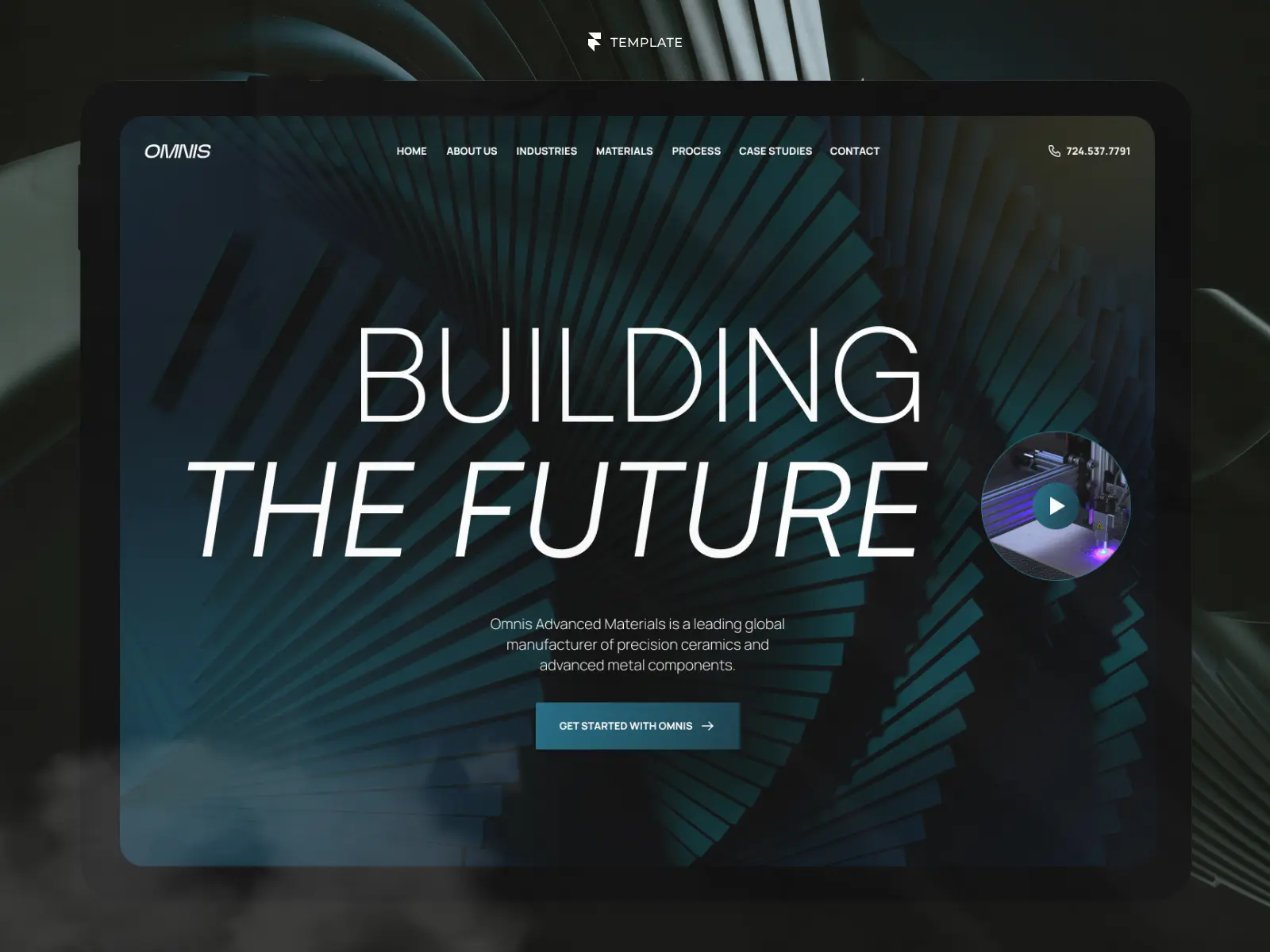
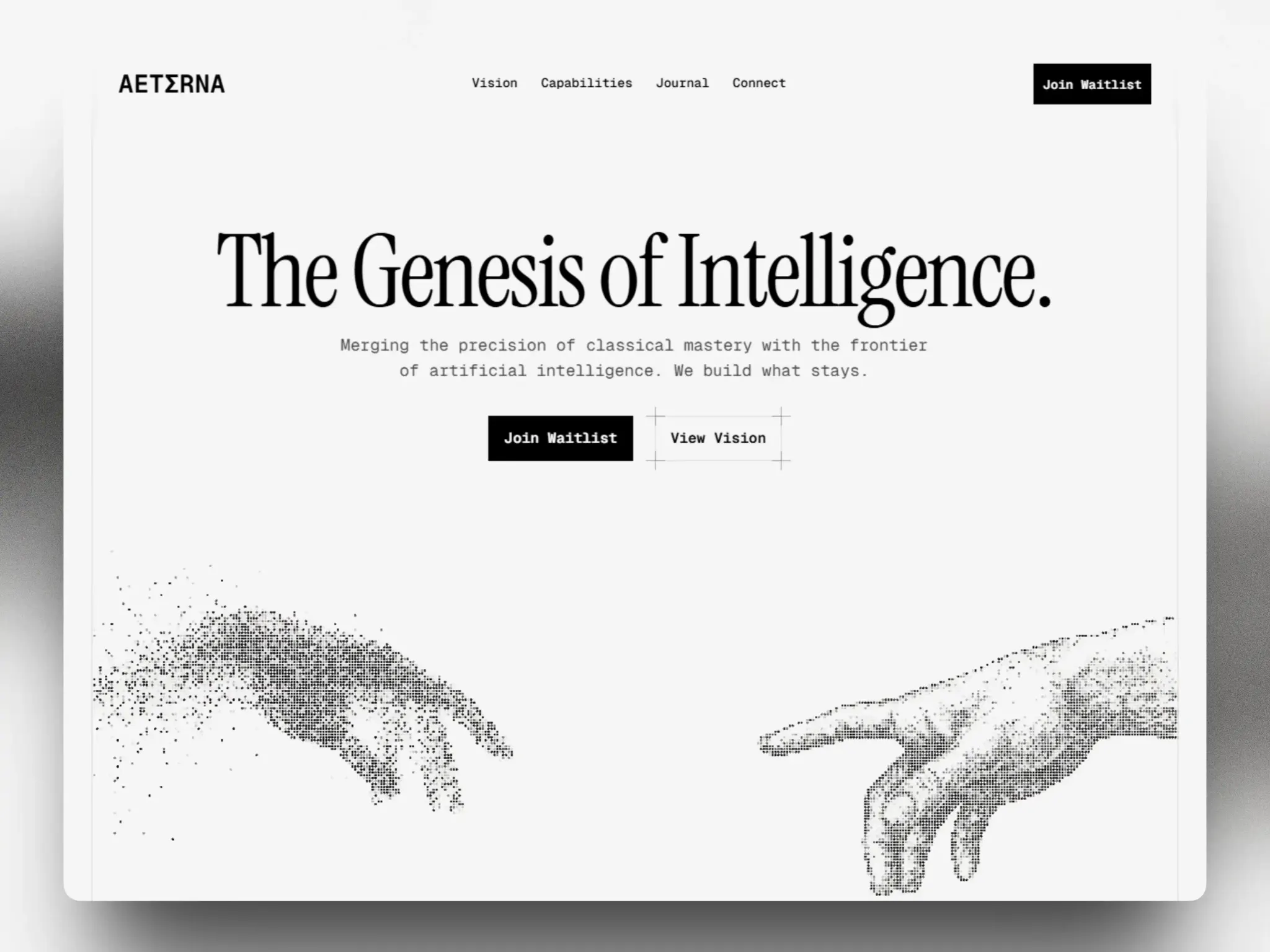
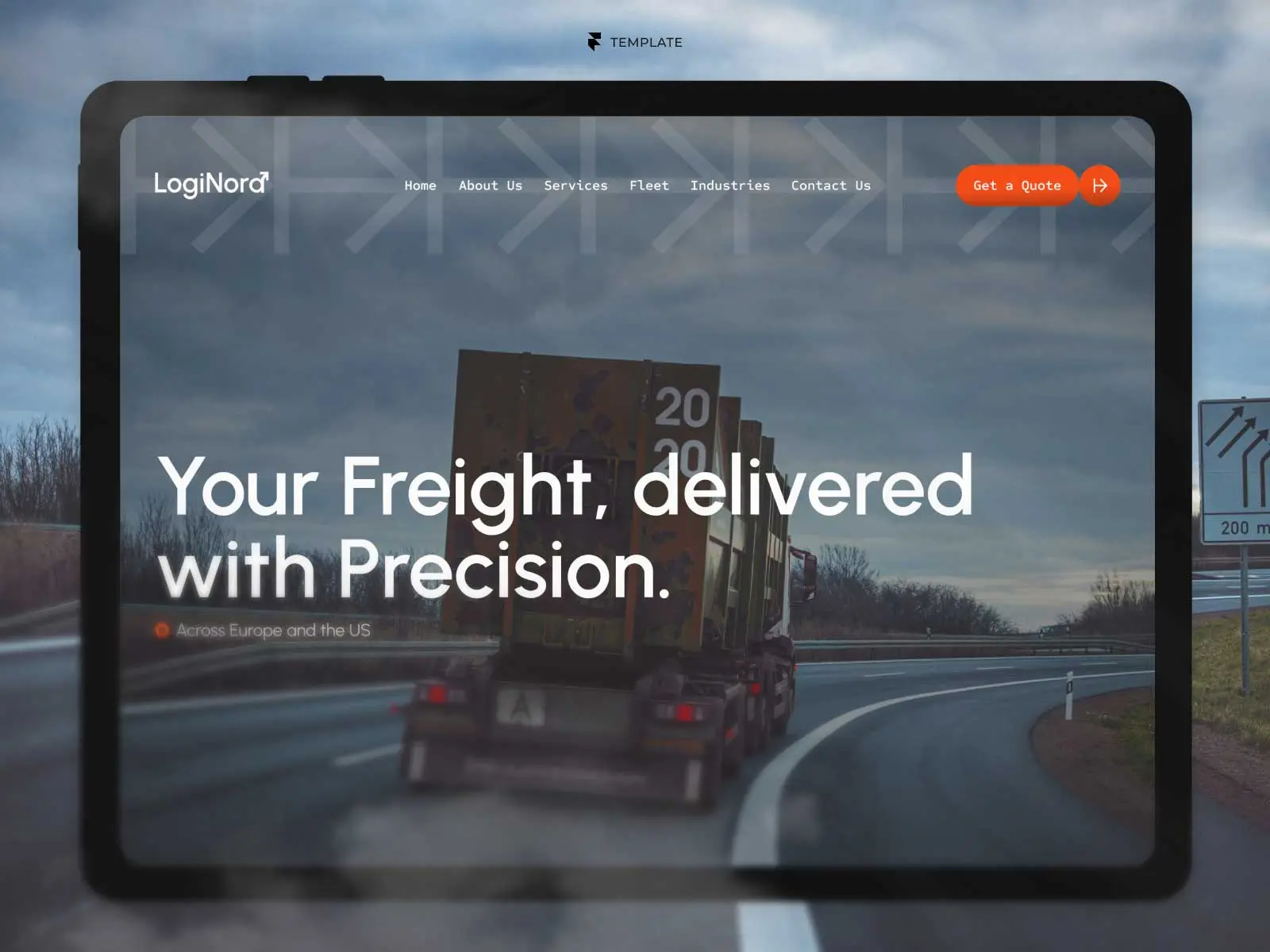
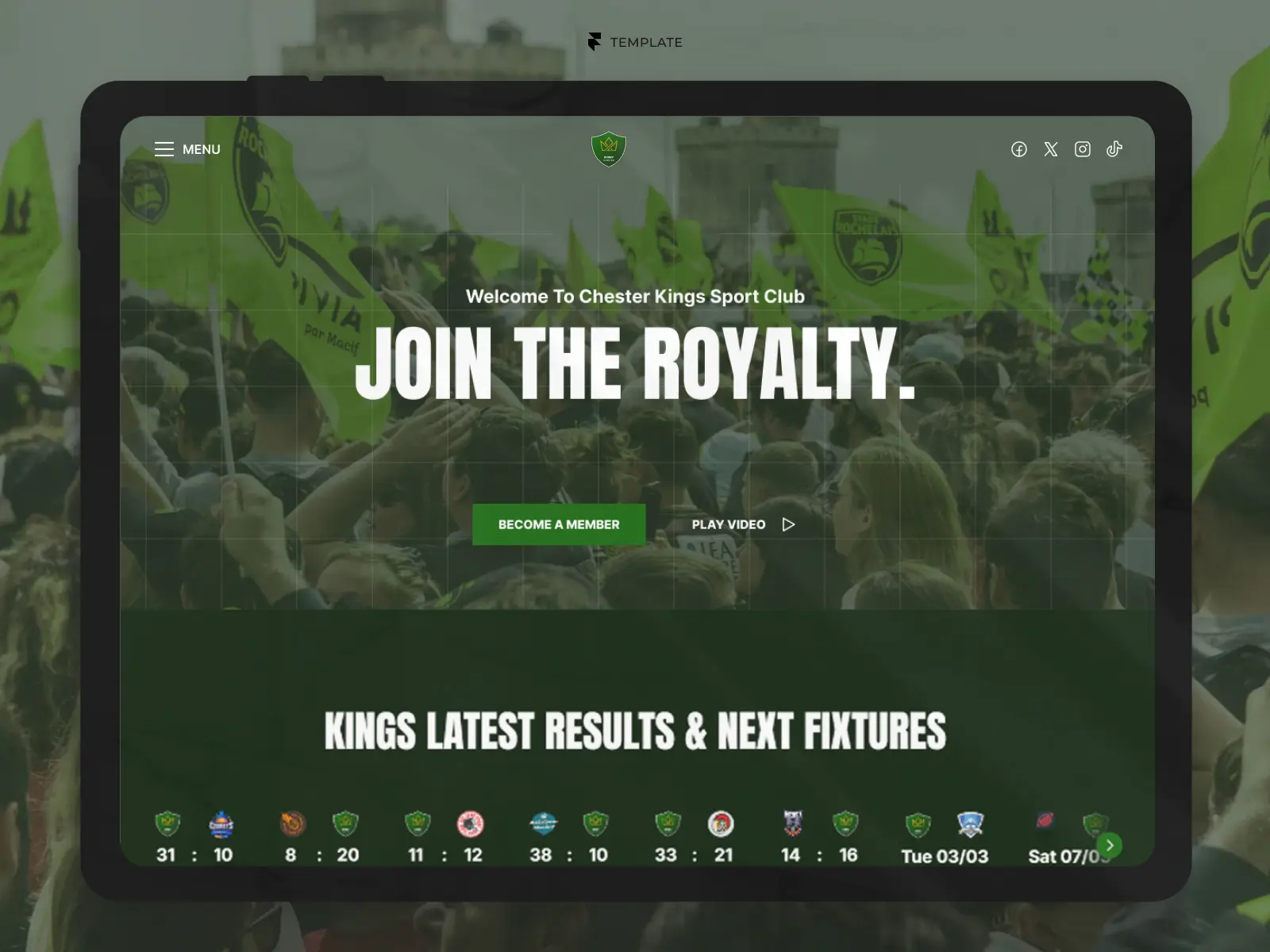
Discover carefully curated Framer templates for SaaS startups, software products, AI platforms, and B2B tools. Present your product clearly, build credibility, and guide visitors towards starting a trial, requesting a demo, or joining your waitlist.

Find the Right Template for Your SaaS Product
A strong SaaS website needs to make your product easy to understand. It should communicate the problem you solve, demonstrate how the product works, build trust, and give prospective customers a clear reason to take the next step.
Whether you are launching an early-stage AI tool or building the marketing website for an established B2B platform, the right template provides a professional foundation without starting from a blank canvas. The templates in this collection are built in Framer and offer flexible structures for features, pricing, use cases, integrations, customer stories, resources, and conversion-focused calls to action.
Explore SaaS Website Templates
Browse Framer templates selected for software startups, AI products, fintech platforms, automation tools, and B2B SaaS companies. Compare different styles, page structures, and pricing options to find the right starting point for your product website.




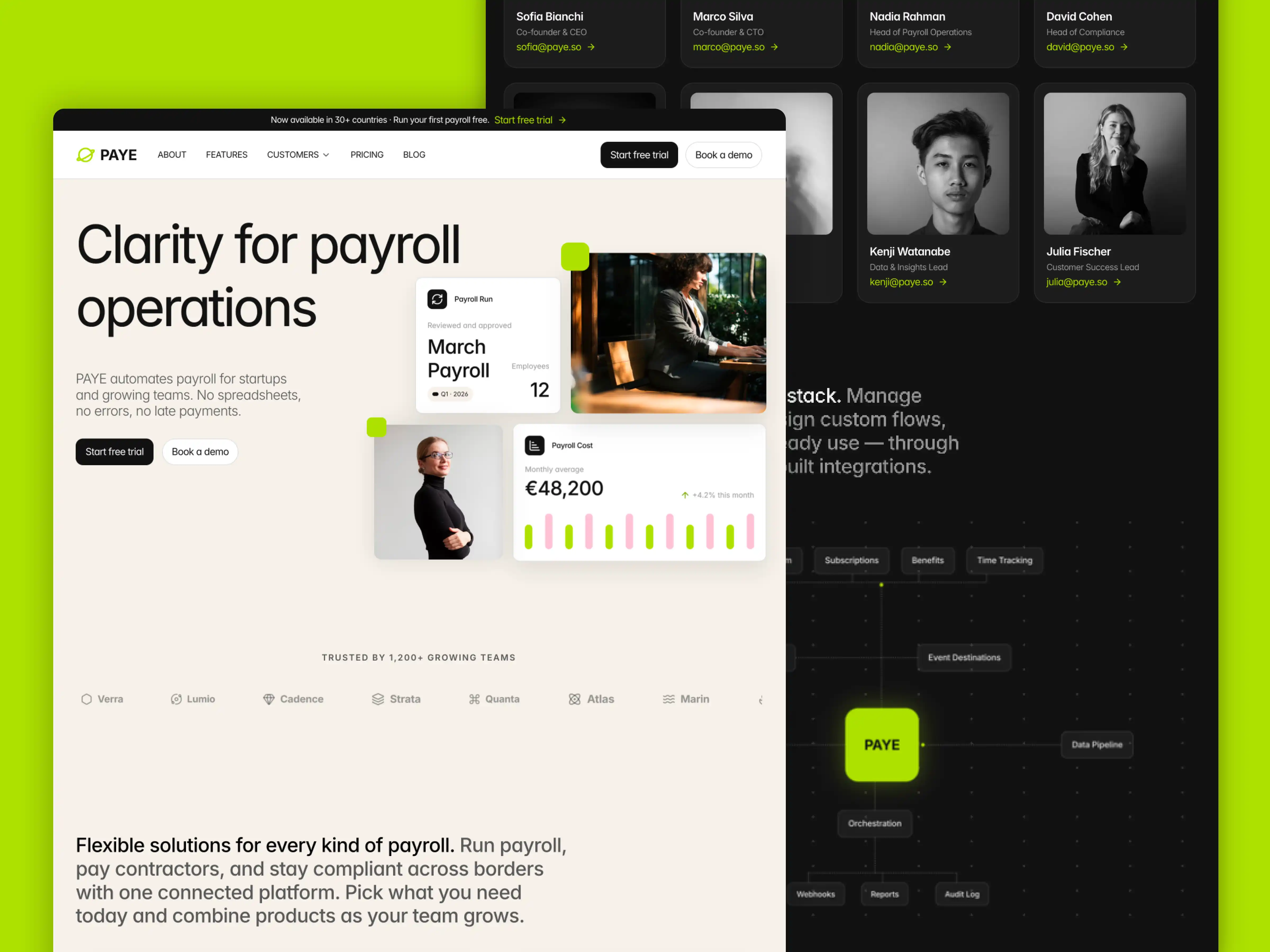
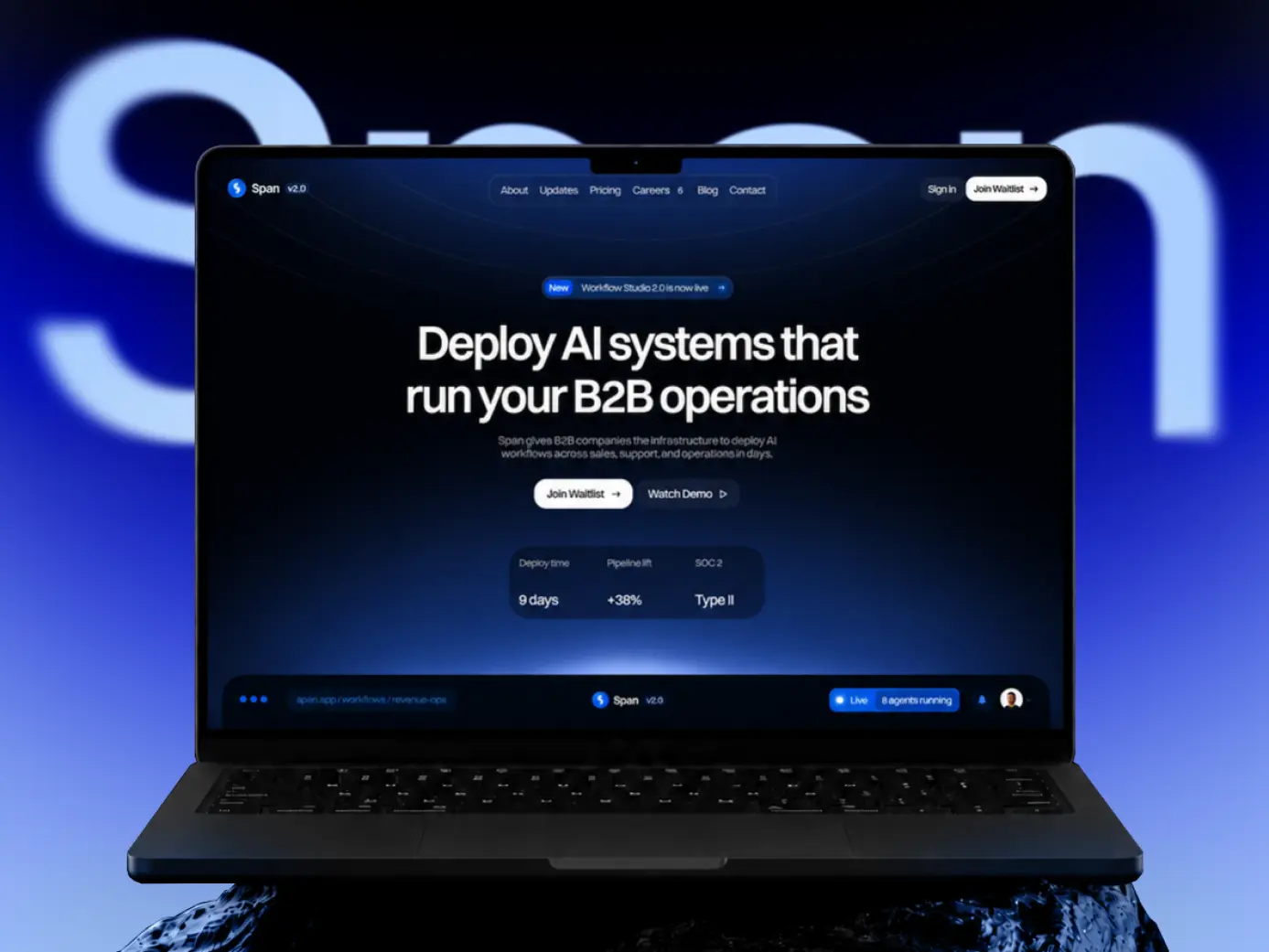
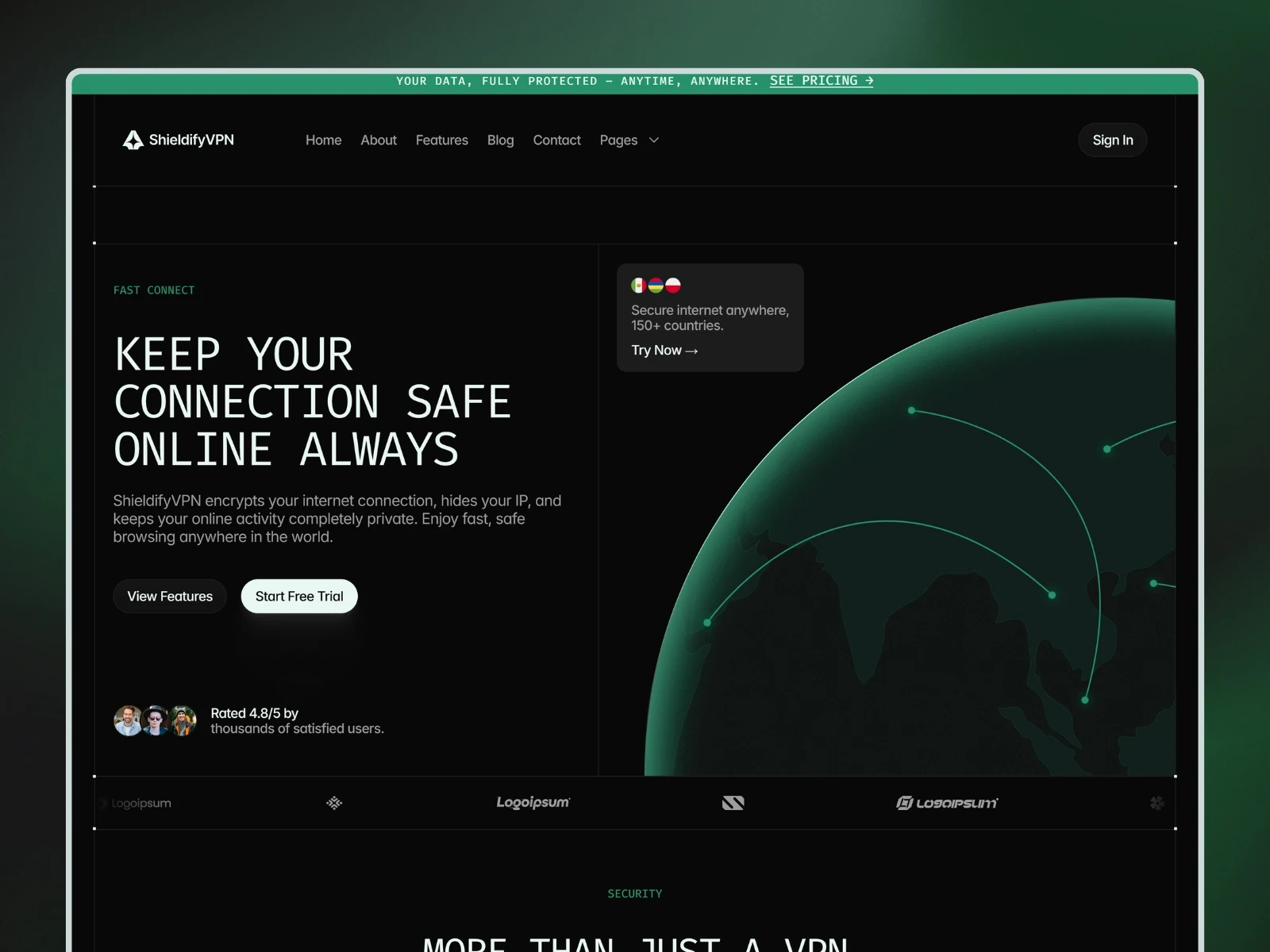
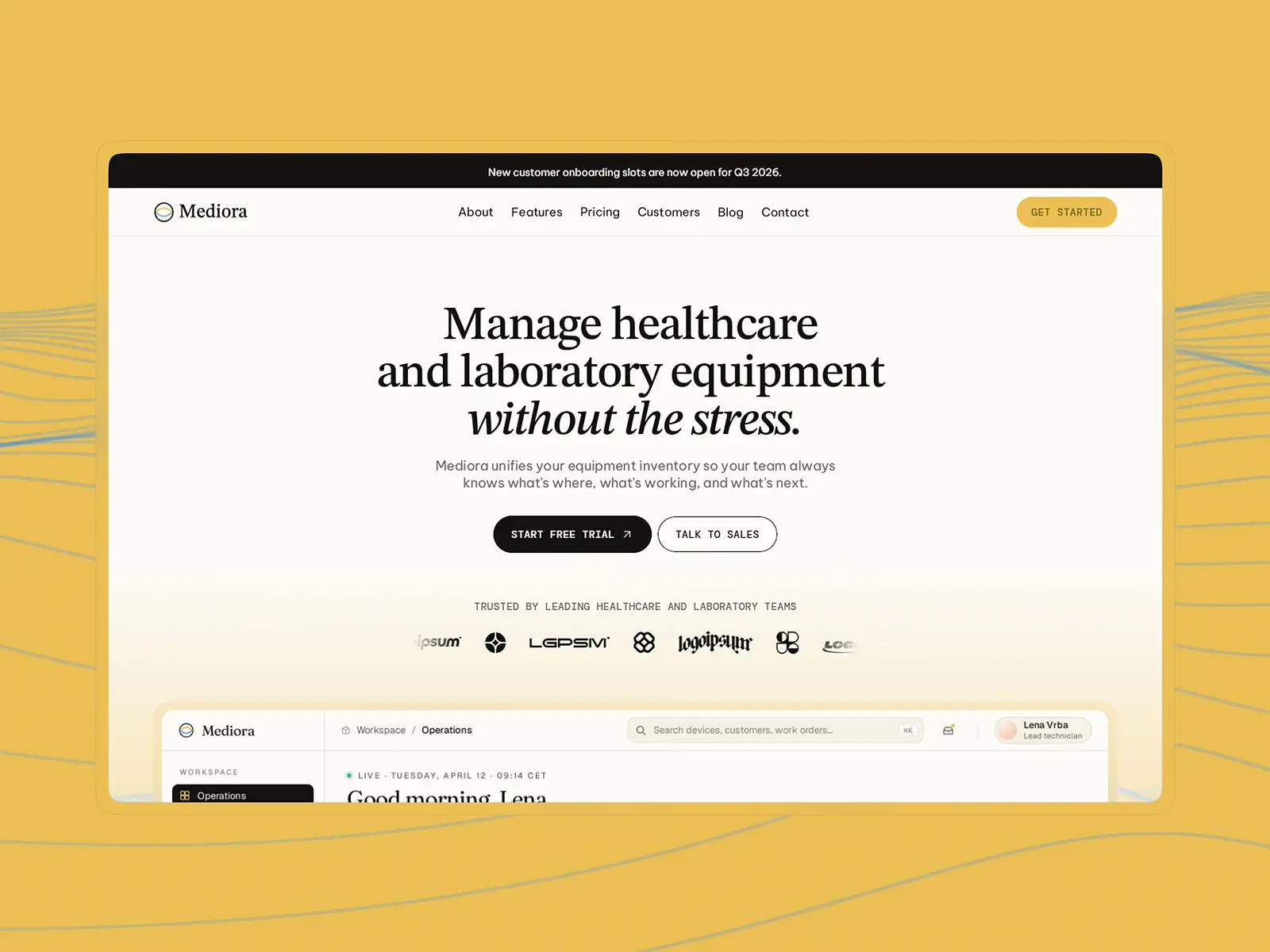

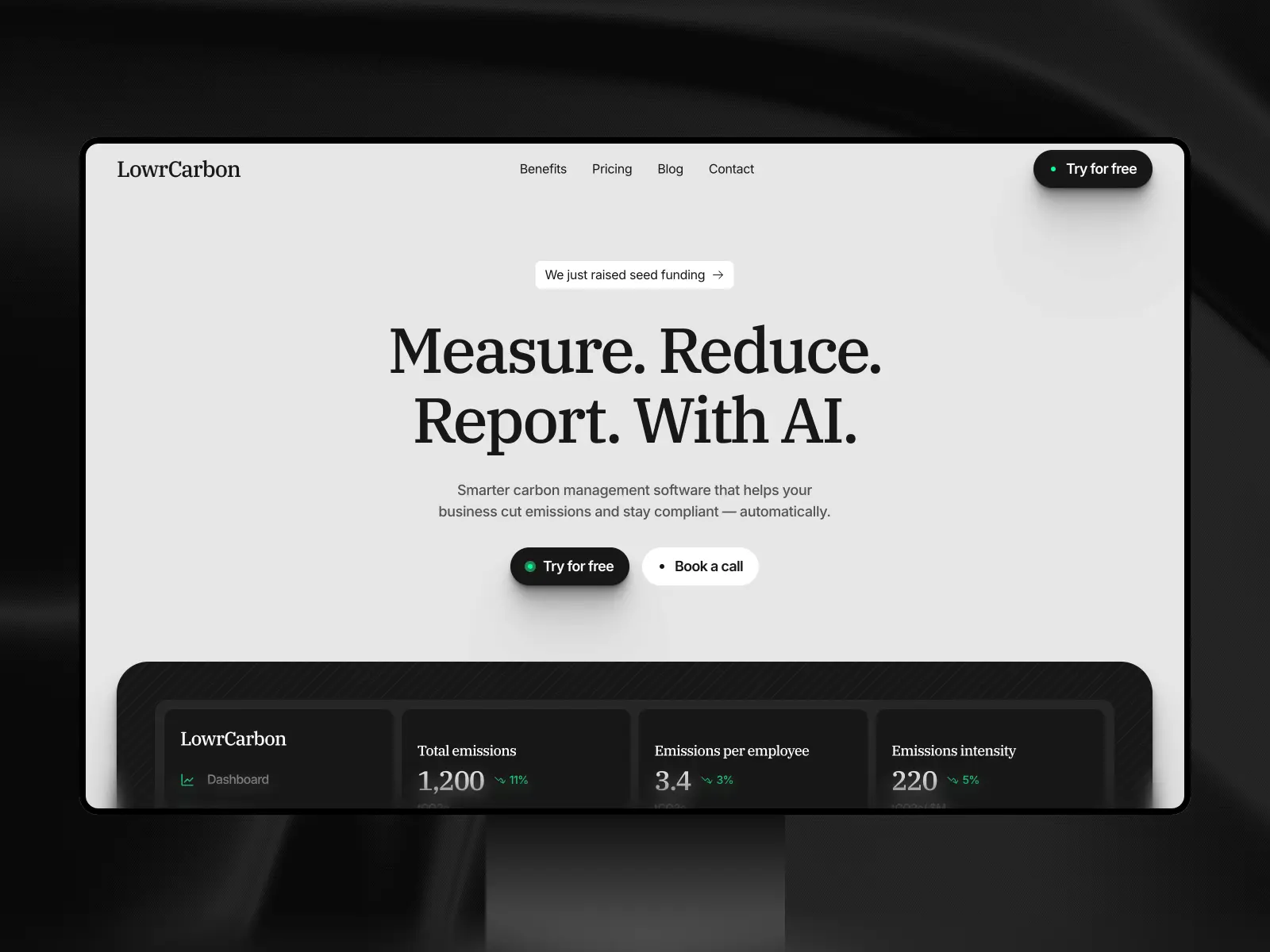
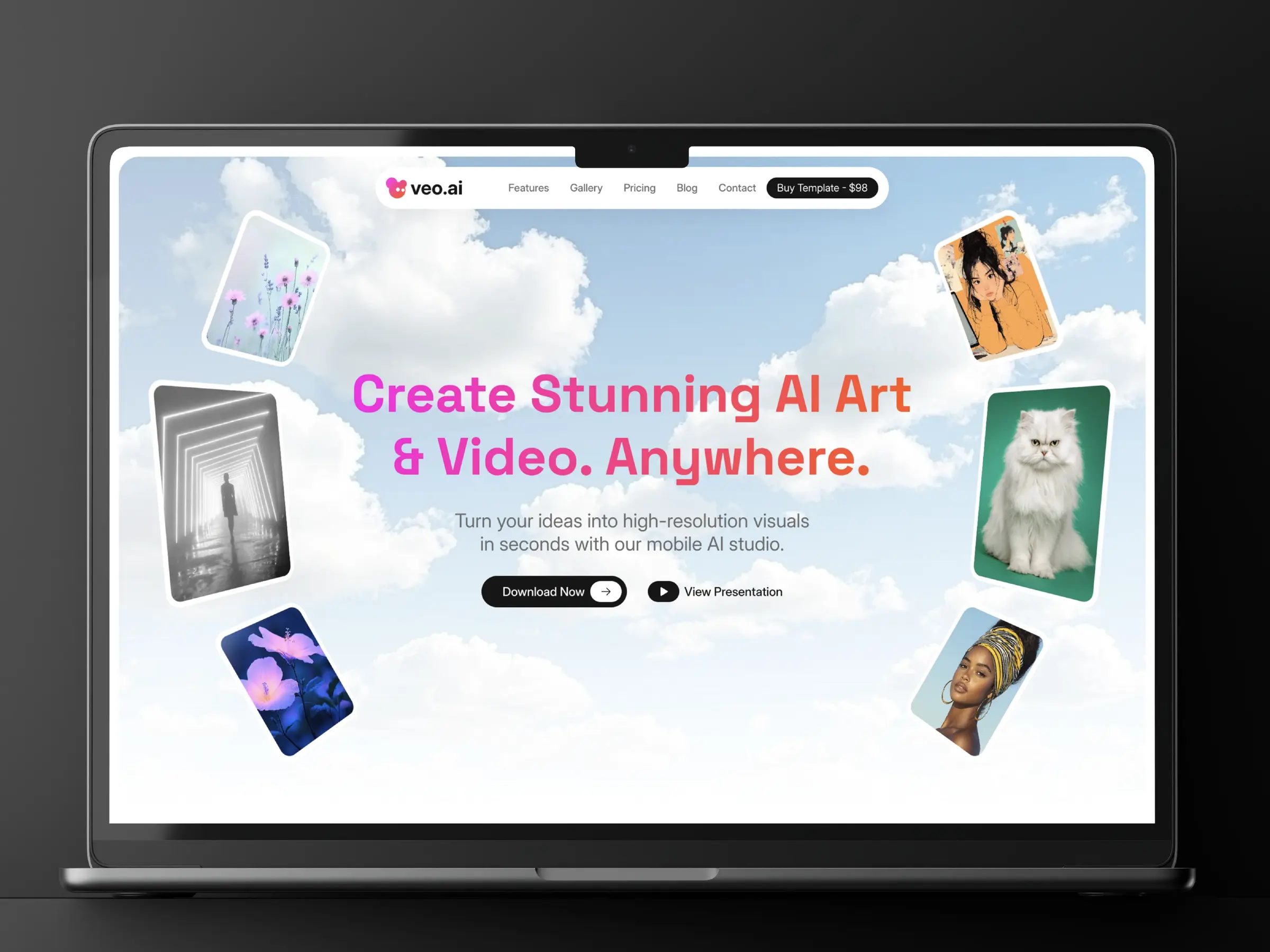
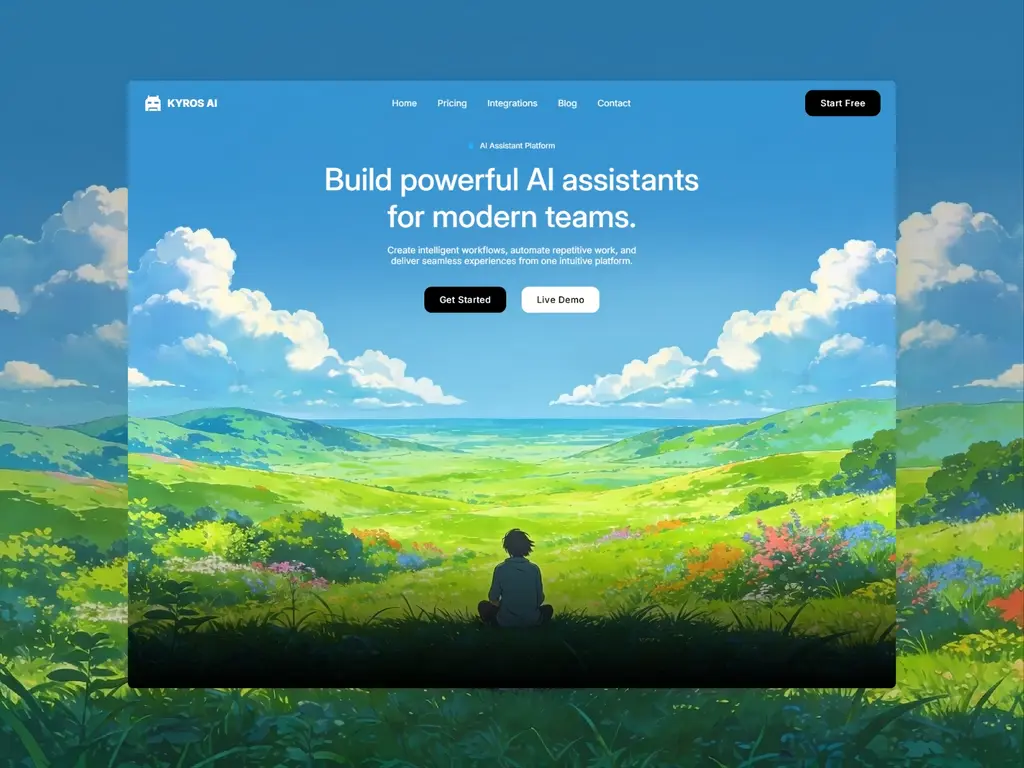
Templates for Different Types of SaaS Products
Different software products require different ways of explaining their value. An AI platform may need to demonstrate an unfamiliar workflow, while a fintech product must place greater emphasis on security, clarity, and trust. Choose a template whose content structure already reflects the way your product needs to be presented.
AI and Automation Platforms
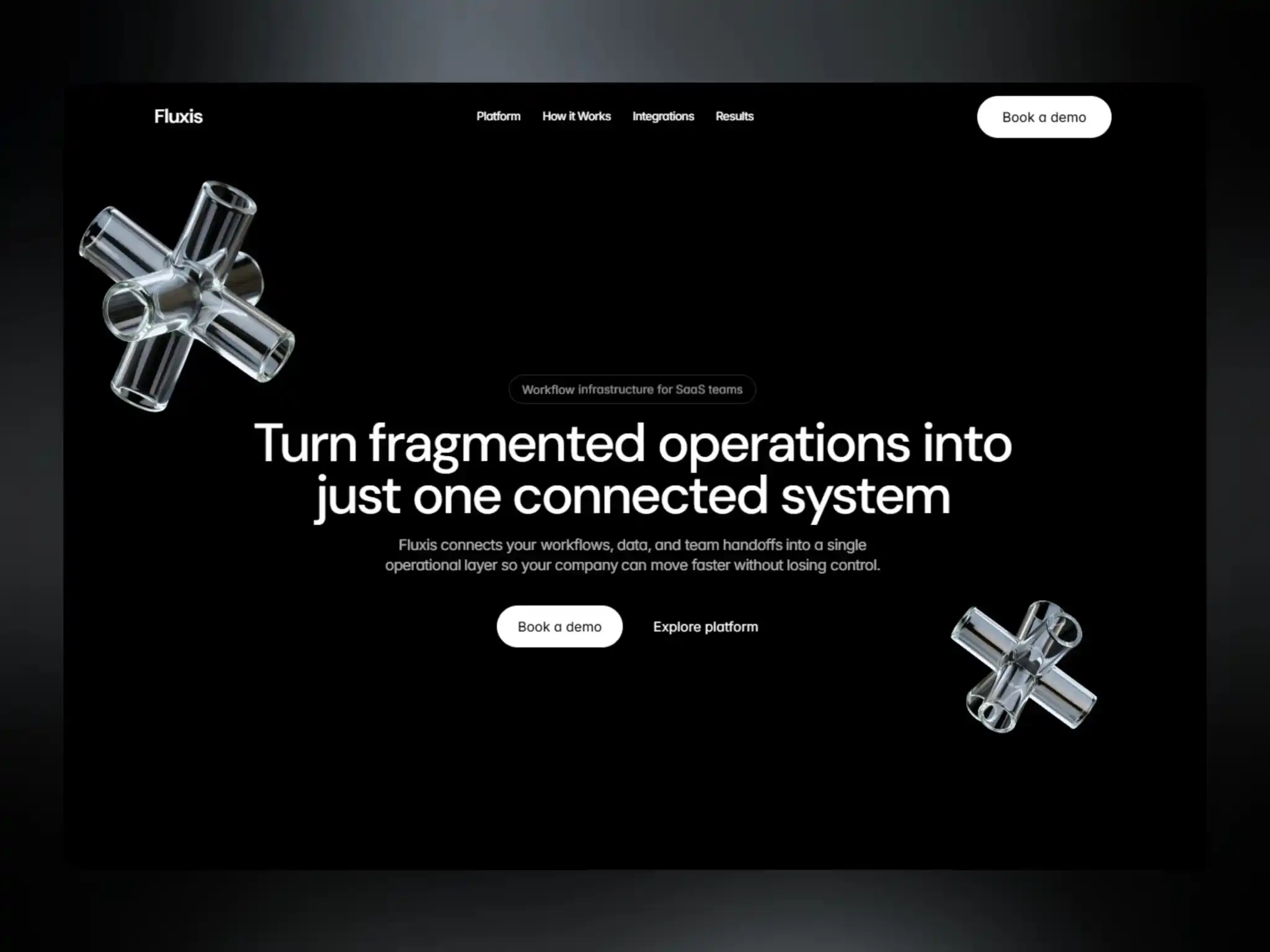
AI SaaS websites need to turn complex technology into a clear and credible product story. Look for templates with space for product demonstrations, use cases, workflow explanations, customer results, pricing, and answers to common questions about how the platform works.
Fintech and Financial Software
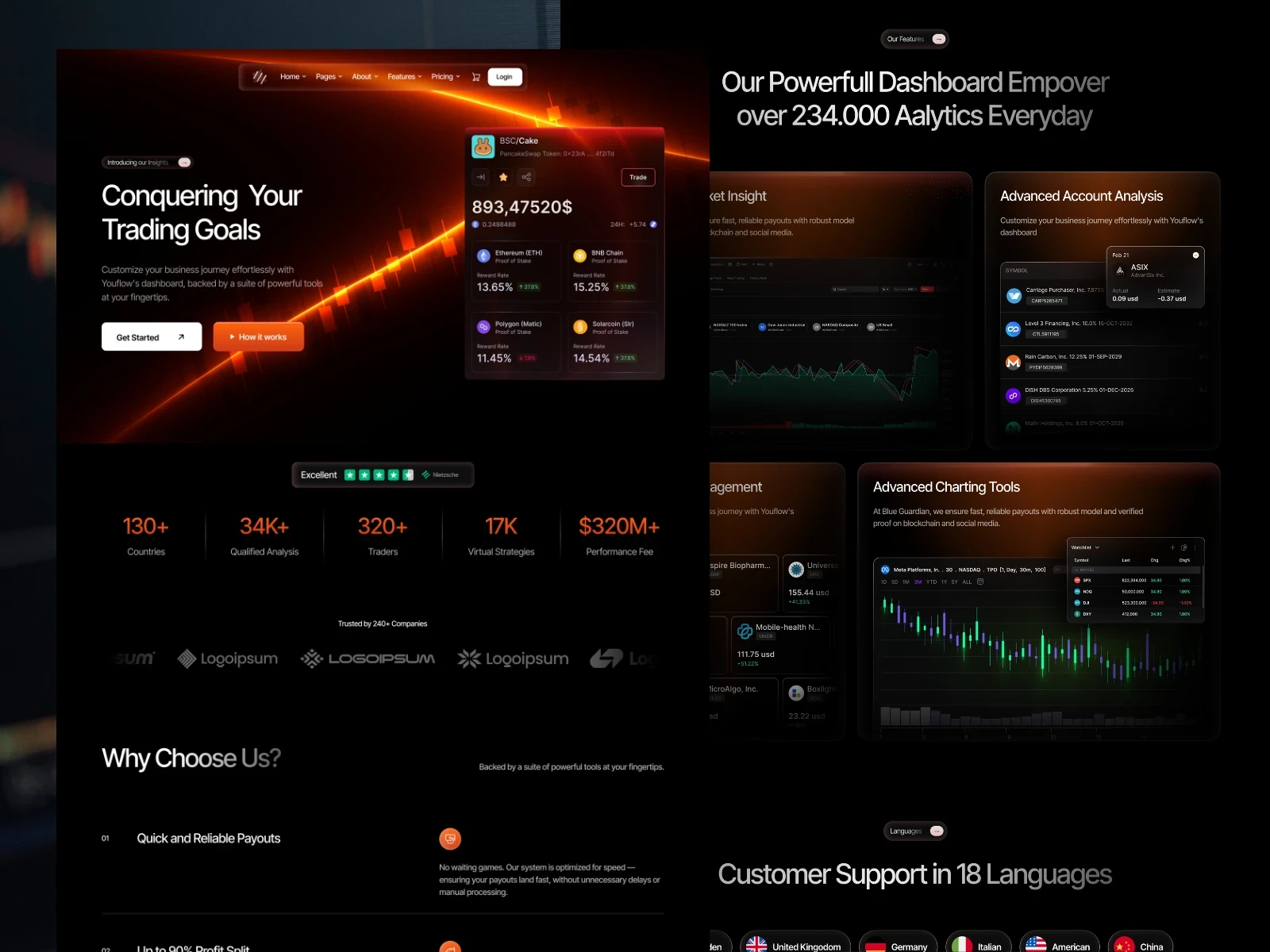
Fintech SaaS products must communicate functionality without overlooking trust. A suitable template should provide clear structures for explaining features, security, pricing, integrations, and the practical benefits your product delivers to individuals or businesses.
Workflow and Operations Software
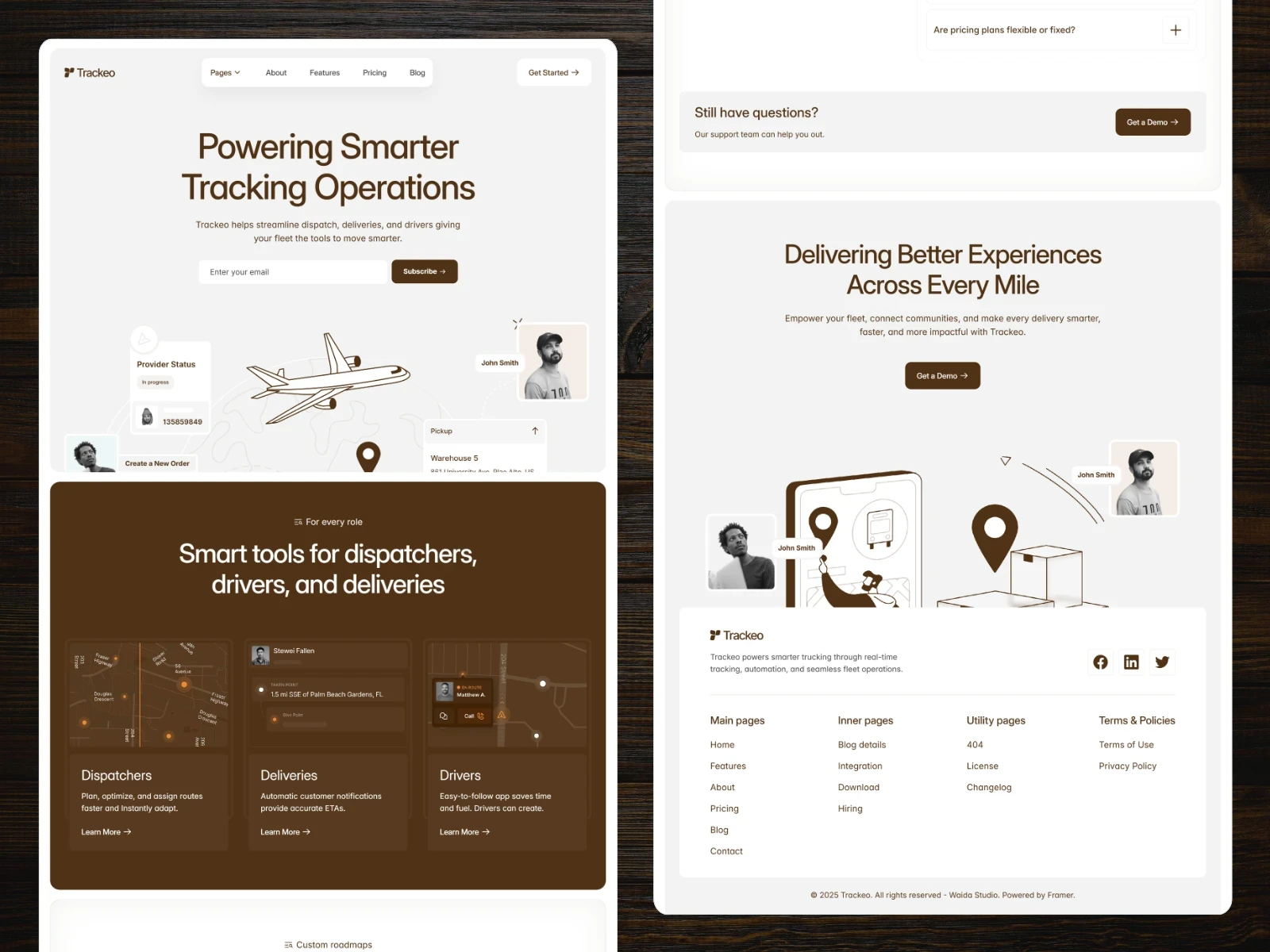
B2B SaaS products built around productivity, logistics, payroll, or operational workflows often need to address several use cases and customer types. Choose a template that can organise features, solutions, integrations, and supporting resources without making the website difficult to navigate.
Cybersecurity and Privacy Tools
Cybersecurity websites need to present technical capabilities in a way that decision-makers can understand. Strong visual hierarchy, credible proof, transparent product information, and clear routes to request a demo or start using the product are particularly important.
Vertical SaaS Products
Vertical SaaS products serve the specific requirements of industries such as healthcare, sustainability, logistics, or financial services. Starting with an adaptable template allows you to combine familiar SaaS sections with the terminology, use cases, and trust signals expected within your particular market.
1. Define Your Primary Conversion Goal
Decide whether the website should encourage visitors to start a free trial, request a demo, join a waitlist, create an account, or contact your sales team. The template should establish a clear path towards that action across its most important pages.
2. Match the Template to Your Sales Model
A self-service SaaS product may prioritise pricing, product benefits, and immediate signups. A sales-led B2B platform usually needs more space for use cases, customer evidence, security information, and demo requests. Choose a structure that reflects how customers evaluate and purchase your product.
3. Review the Complete Page Structure
Do not judge a SaaS template by its homepage alone. Check whether it provides suitable layouts for features, pricing, integrations, use cases, customer stories, resources, contact, and legal information. Focus on the pages your product genuinely needs rather than the total number included.
4. Evaluate the CMS and Future Growth
If content marketing is part of your strategy, review how the template manages articles, case studies, updates, documentation, or other recurring content. A well-organised CMS makes it easier to expand the website without designing every new page manually.
5. Check Responsive Behaviour and Customisation
Preview the template across desktop, tablet, and mobile layouts. Consider how easily its typography, colours, components, product visuals, and page sections can be adapted to your brand without rebuilding the underlying structure.
6. Understand What the Template Does Not Include
A SaaS website template provides the public-facing marketing website, not the software product itself. User accounts, authentication, dashboards, databases, subscriptions, and application logic require a separate product stack or external integrations.
Why Build Your SaaS Website with Framer?
Framer is particularly well suited to design-led SaaS marketing websites. It allows founders, designers, and marketing teams to create and update the public-facing website without making every change part of the product’s development cycle.
Launch Independently from Your Product
Your marketing website does not need to use the same technology as your application. Framer allows you to manage product messaging, campaigns, pricing information, and new landing pages separately while directing users towards your signup, application, or demo process.
Customise Visually
Edit layouts, typography, colours, product imagery, and reusable components through Framer’s visual interface. A professionally designed template provides the initial system while remaining flexible enough to reflect your own product and brand.
Manage Content with Framer CMS
Use Framer CMS for articles, case studies, product updates, integrations, customer stories, or other recurring content. Teams can publish new entries without manually creating and designing a separate page each time.
Explain Your Product with Greater Flexibility
Animations, interactive sections, video, and product visuals can help demonstrate how software works. Framer provides the design tools needed to build clearer product narratives while retaining control over hierarchy, pacing, and responsive behaviour.
Publish and Update Faster
Hosting and publishing are managed within Framer, allowing marketing teams to release updates without maintaining a separate deployment workflow. This is useful for SaaS companies whose positioning, features, and campaigns evolve regularly.
Essential SEO Controls
Framer includes controls for titles, meta descriptions, URLs, redirects, image alt text, and indexing. These provide a technical foundation for optimisation, although organic visibility will still depend on content quality, internal linking, competition, and authority.
Launch Your SaaS Website Faster
Building a SaaS marketing website from scratch requires decisions about product positioning, page structure, responsive design, CMS architecture, and conversion paths. A professionally designed Framer template gives you a stronger starting point, allowing you to focus on your product, message, and launch.
Customise the design, replace the demo content, connect your signup or demo flow, and adapt the included pages to your sales process without rebuilding the entire website.

Frequently Asked Questions
What is a SaaS website template?
A SaaS website template is a pre-designed marketing website created for software products and subscription-based platforms. It provides an existing visual system and page structure that can be customised with your product, brand, features, pricing, and calls to action.