6 min read
Framer vs WordPress: which is better for business websites?
Choosing a platform for your business website is one of the most consequential decisions you'll make before you write a single line of copy. If you want a fast, visually polished site with minimal technical overhead, Framer is usually the stronger choice. If you need deep plugin flexibility, a massive content library, or highly specialized functionality, WordPress still has a place. This guide breaks down exactly how the two compare, so you can choose with confidence.
Introduction
For years, WordPress was the default answer to "how do I build a website." It powers a huge share of the internet, and its plugin ecosystem can seemingly do anything.
But "can do anything" and "is the right tool for your business" aren't the same thing. Modern businesses need websites that load fast, look sharp on every device, and can be updated without waiting on a developer or debugging a broken plugin update.
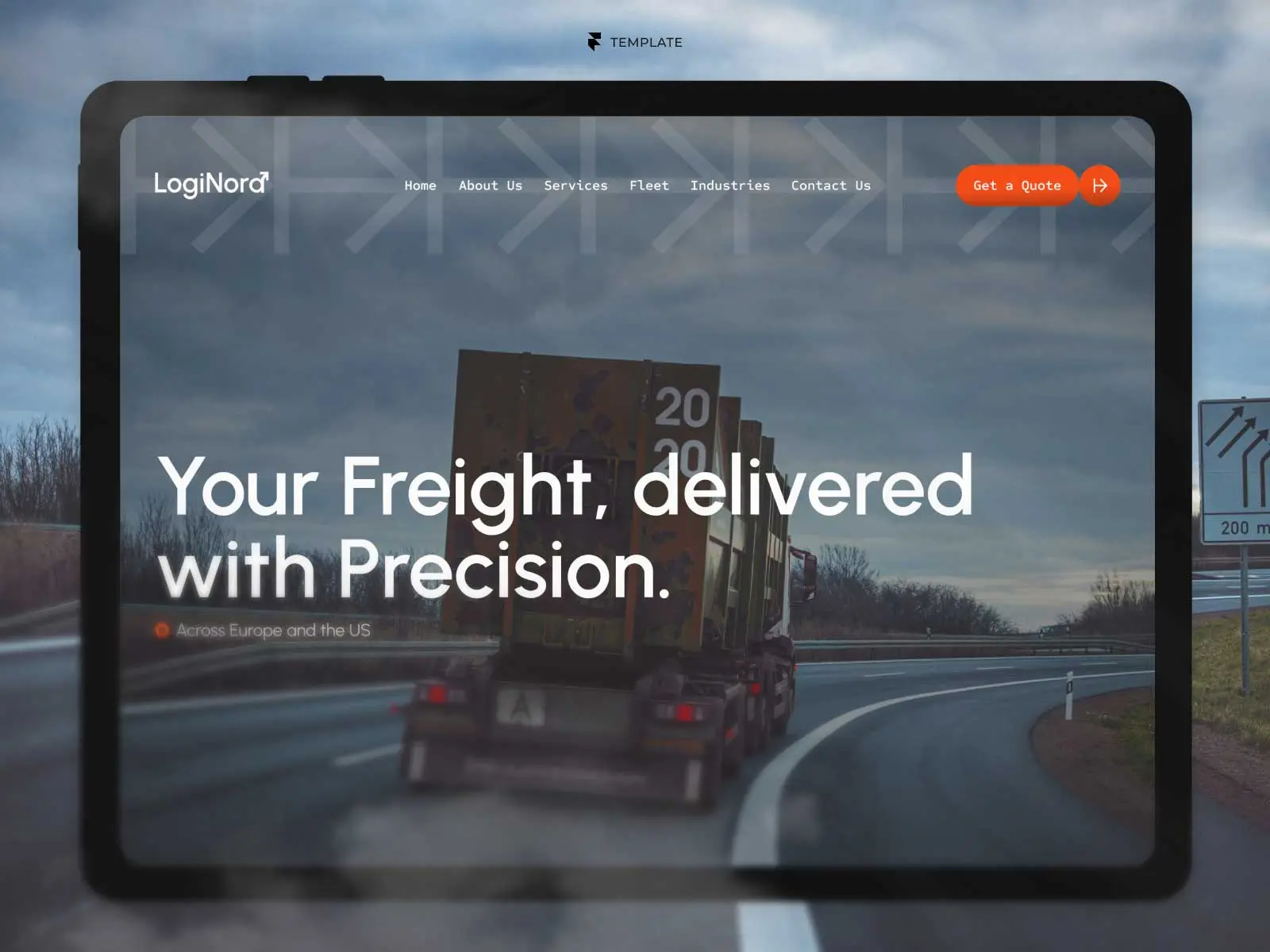
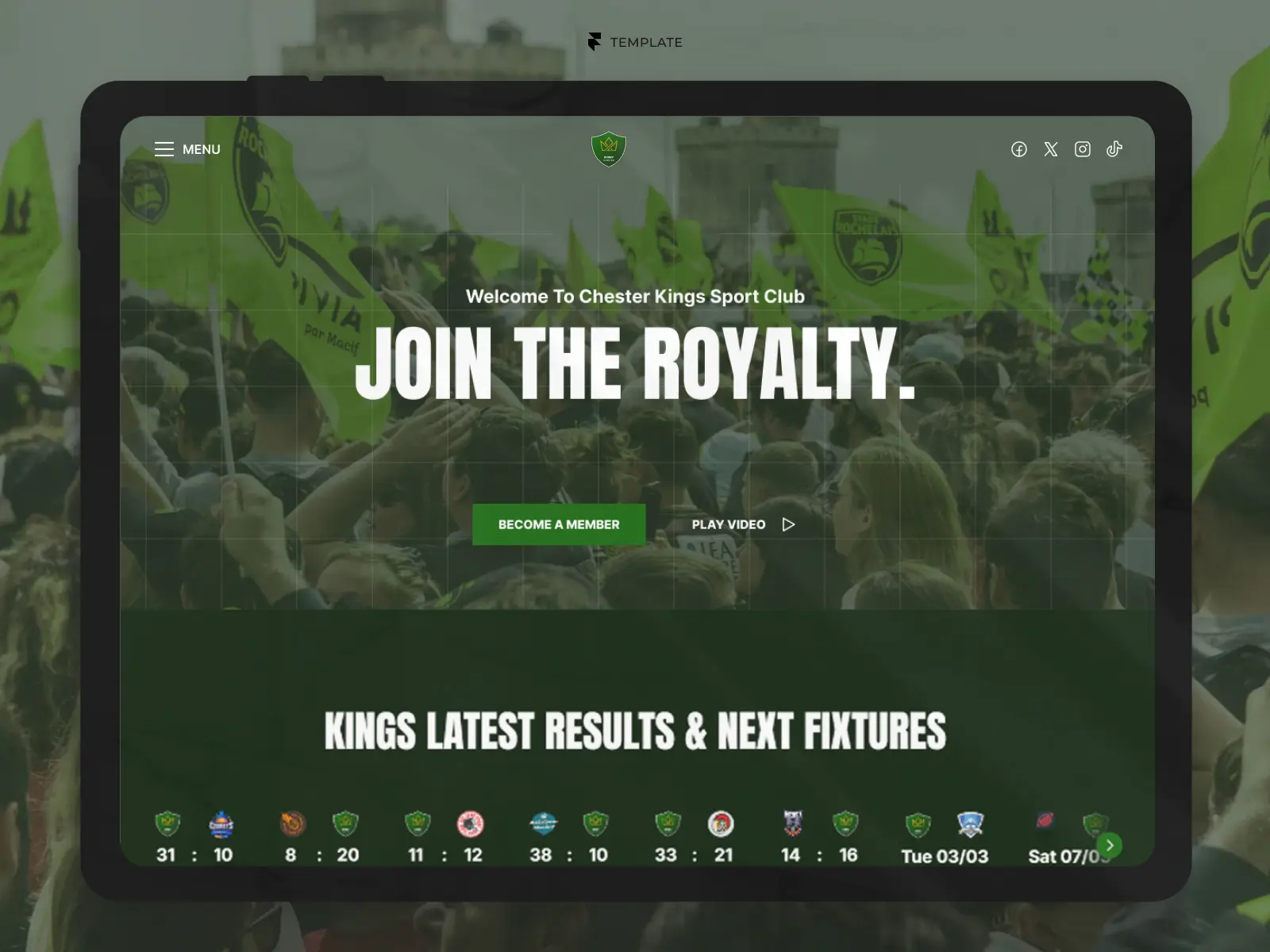
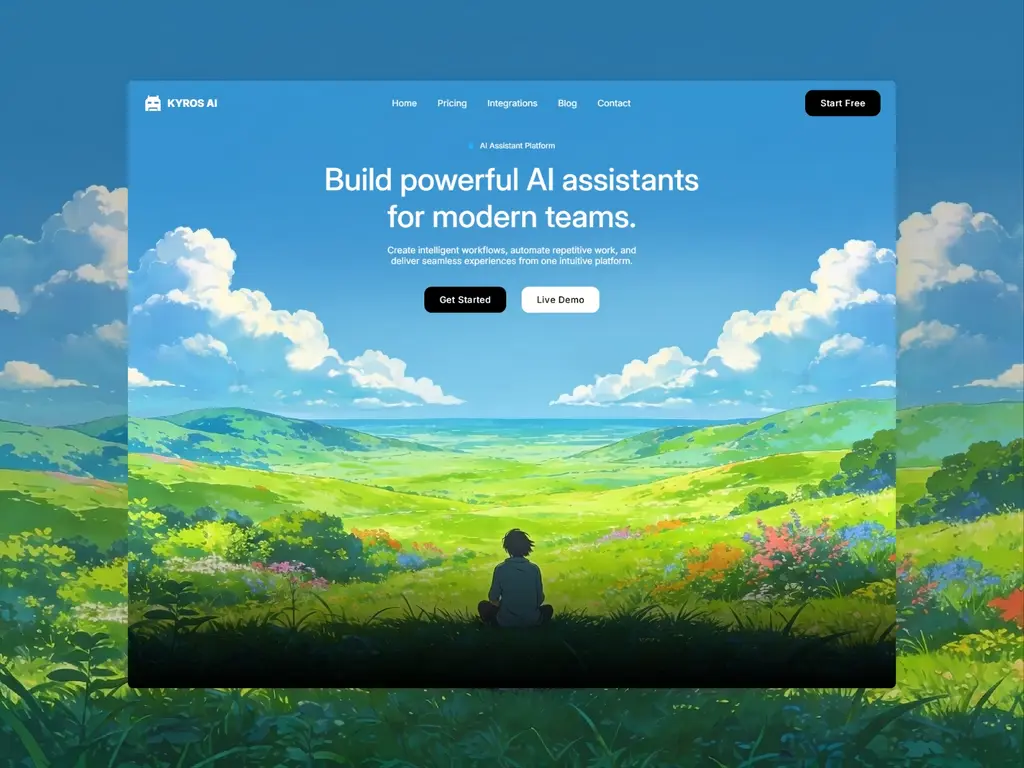
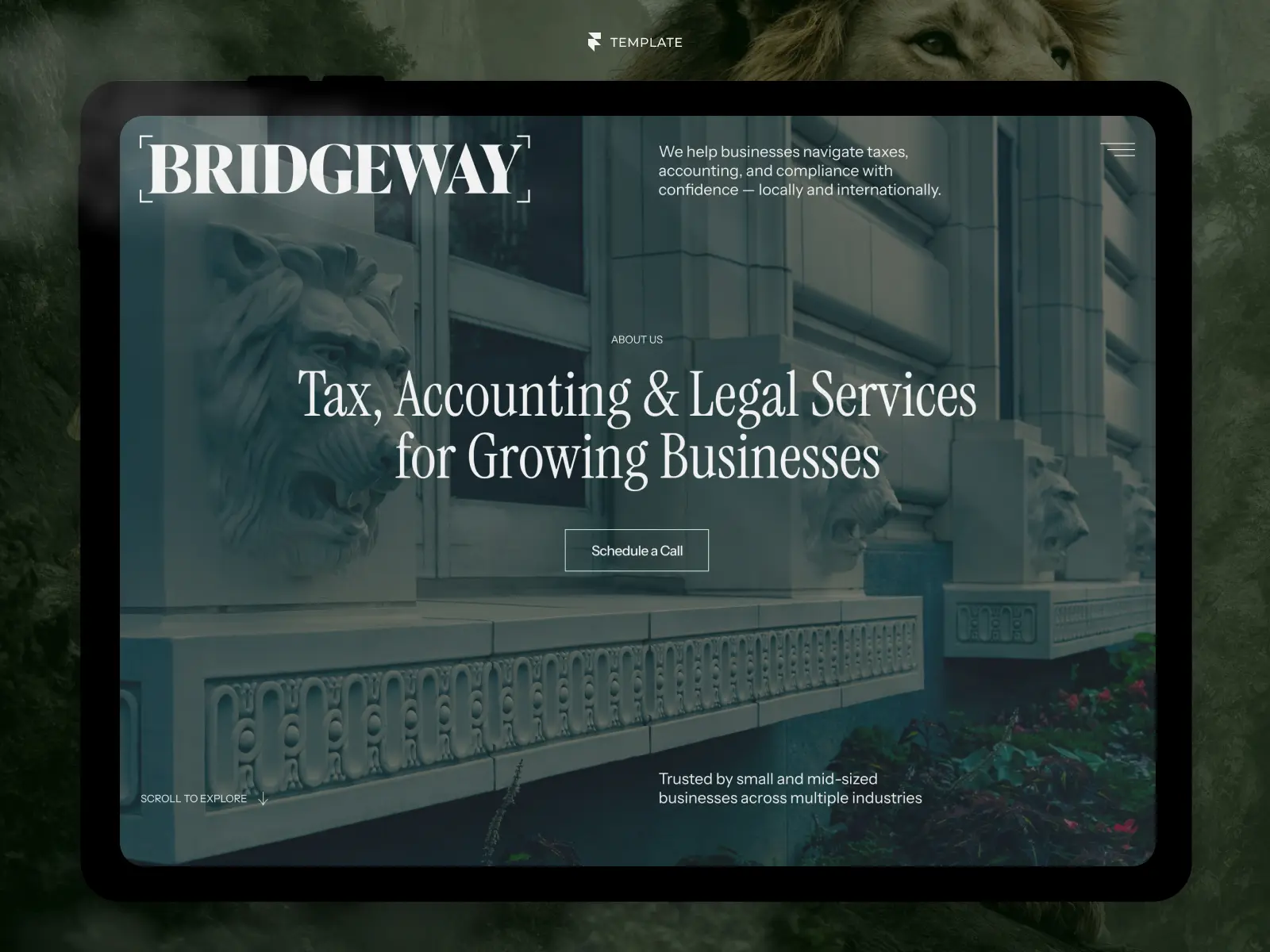
This is where Framer has changed the conversation. By combining visual design, CMS, animation, and hosting into a single platform, Framer offers a fundamentally different way to build — one built for speed, design quality, and simplicity rather than infinite configurability.
In this guide, you'll learn how Framer and WordPress compare across the factors that actually matter for a modern business website, so you can pick the platform that fits your goals.
Why the Comparison Matters
Before diving into features, it's worth understanding why this decision carries more weight than it used to.
Some of the biggest factors driving businesses to reconsider their platform include:
Visitors expect fast-loading, mobile-perfect experiences
Design quality now directly affects credibility and conversion
Teams want to make updates themselves, without technical bottlenecks
Security and maintenance overhead should not be a full-time job
Growth should be possible without rebuilding the site from scratch
Perhaps the biggest shift is that businesses no longer want to manage a website — they want the website to manage itself, freeing them up to focus on their actual work.
Design and Customization
One of the clearest differences between the two platforms shows up the moment you start designing.
WordPress relies on themes and page builder plugins layered on top of one another. This can work well, but it often results in bloated code, inconsistent styling, and a learning curve that discourages non-technical users from making changes.
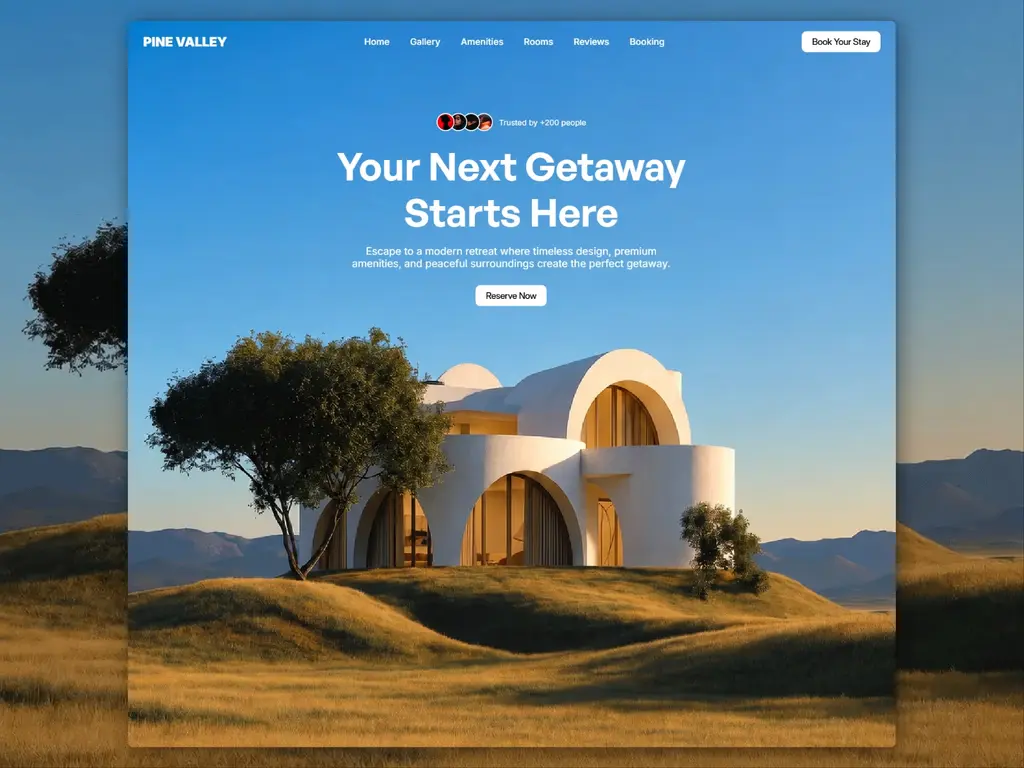
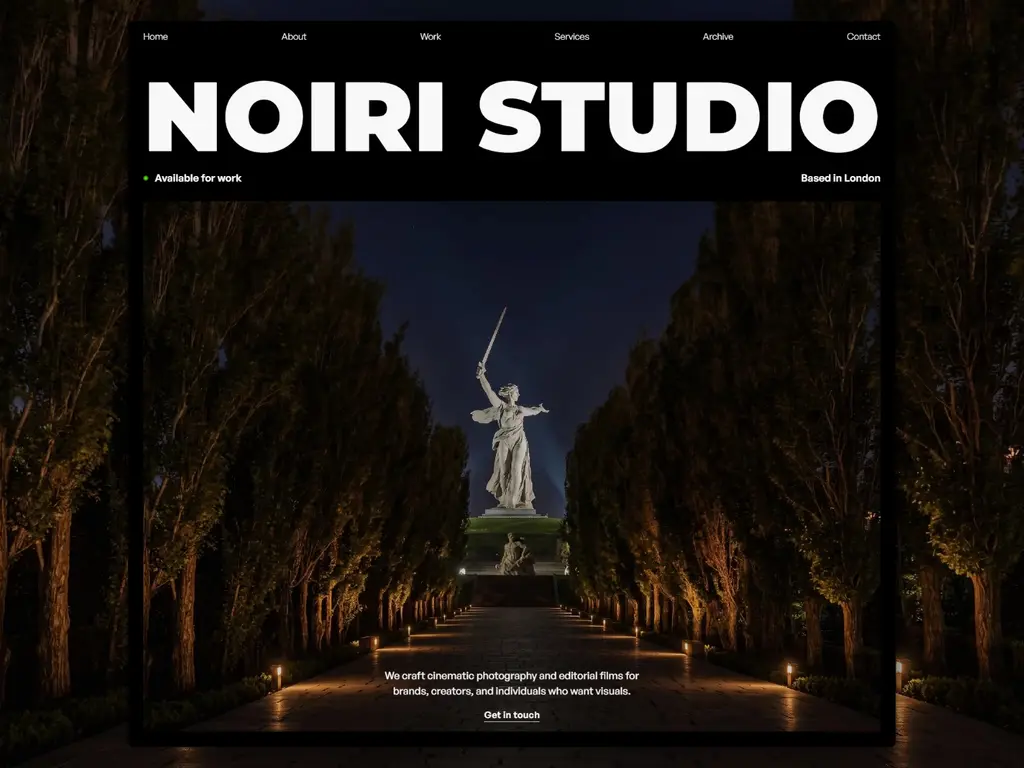
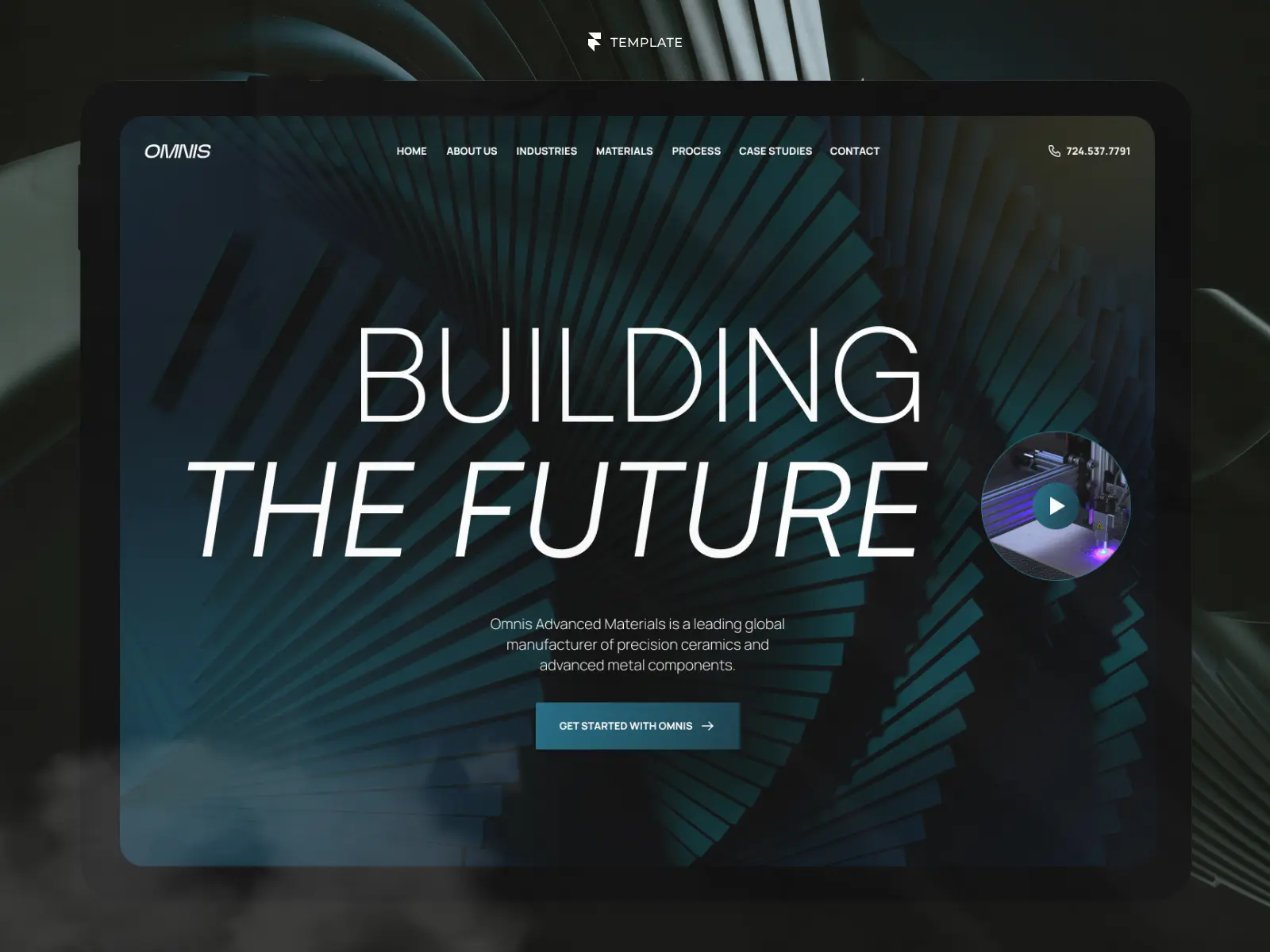
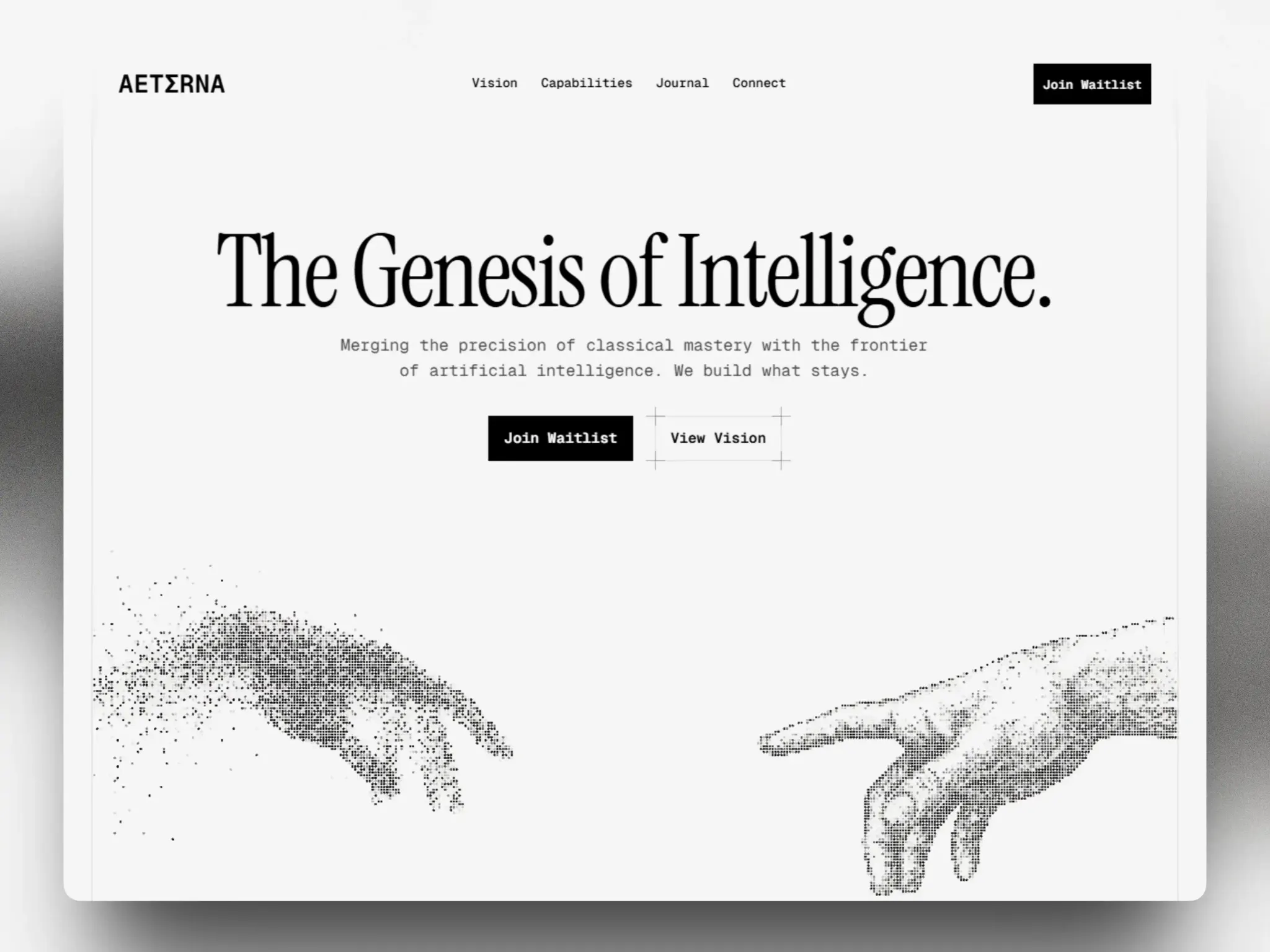
Framer takes a visual-first approach instead. Every element is designed directly on the canvas, with real responsive controls and no plugin stack sitting between your design and the final result.
When comparing design experience, consider:
How much time will it take to achieve a professional look?
Will your team be able to make changes without a developer?
Does the platform encourage clean design, or does it require constant fixing?
How much of the final result depends on third-party themes or plugins?
Pro Tip: Judge a platform by how it feels to make a small change six months after launch, not by how the initial demo looks. Framer's canvas-based editing tends to stay simple long after launch, while WordPress setups often become harder to touch as more plugins are added.
Performance and Technical Overhead
Speed is no longer a nice-to-have. It affects search rankings, user trust, and conversion rates directly.
WordPress performance depends heavily on hosting quality, plugin choices, and ongoing maintenance. A poorly optimized WordPress site — one with too many plugins, outdated code, or an underpowered host — can load noticeably slower than a modern alternative.
Framer, by contrast, is built on modern web infrastructure with hosting, image optimization, and performance handled as part of the platform itself. There's no plugin stack to audit and no server to manage.
Key differences to weigh:
WordPress requires ongoing plugin updates, security patches, and backups
Framer handles hosting, SSL, and performance optimization automatically
WordPress sites can slow down significantly as plugins accumulate
Framer's architecture is designed for consistent speed by default
Common Mistake: Many businesses choose WordPress for its flexibility, then spend months troubleshooting plugin conflicts and slow load times instead of growing their business. Flexibility only helps if you have the time and expertise to manage it.
Content Management and Scalability
Both platforms offer content management systems, but they serve different needs.
WordPress's CMS is mature and extremely flexible, which makes sense for large publishers or highly custom content structures. That flexibility, however, comes with complexity — most non-technical users need help setting up custom fields, taxonomies, or templates correctly.
Framer's CMS is designed for the common cases modern businesses actually need: blogs, case studies, team pages, and product listings. It's simpler to set up and just as capable for most business use cases, with the same visual editing experience used across the rest of the site.
Consider your own needs:
Do you need a small number of well-structured content types, or dozens of highly custom ones?
Will marketing or non-technical team members be updating content regularly?
How important is a clean editing experience versus raw configurability?
Security and Maintenance
This is one of the most overlooked factors in the Framer vs WordPress decision.
Because WordPress is open-source and plugin-dependent, it's also one of the most frequently targeted platforms for security vulnerabilities. Keeping a WordPress site secure means regularly updating core software, themes, and every installed plugin — and testing that nothing breaks each time.
Framer removes this burden almost entirely. Since it's a closed, hosted platform, there's no plugin ecosystem to patch and no core software for you to update manually.
Pro Tip: If your team doesn't have dedicated technical support, factor ongoing maintenance time directly into your platform decision — not just the cost of building the site, but the cost of keeping it running safely.
Which Platform Should You Choose?
There's no single universal answer, but a few patterns make the decision easier.
Framer tends to be the better fit when:
You want a polished, modern design without a steep learning curve
Your team needs to make updates without developer support
Performance and low maintenance overhead are priorities
Your content needs fit standard business use cases
WordPress may still make sense when:
You require highly specialized functionality only available through specific plugins
You have dedicated technical resources to manage hosting, security, and updates
Your project involves extremely complex or unconventional content structures
For most modern business websites — where speed, design quality, and ease of maintenance matter more than infinite plugin variety — Framer offers a clearer, more sustainable path forward.
Key Takeaways
Framer prioritizes visual design and simplicity; WordPress prioritizes flexibility through plugins.
Performance and security are largely handled for you in Framer, while WordPress requires ongoing maintenance.
Framer's CMS covers most business needs with a simpler setup process.
Choose WordPress only if you need highly specialized functionality and have the technical resources to support it.
For most modern business websites, Framer offers a faster path to a professional, low-maintenance result.

Try Systeme.io
Your website is only the beginning.
Take your Framer site further with funnels, email marketing, automation, bookings and more.


AFFILIATE PARTNER